Now Reading: Runway vs Descript (2026): Which AI Video Editor is Best?
-
01
Runway vs Descript (2026): Which AI Video Editor is Best?
Runway vs Descript (2026): Which AI Video Editor is Best?

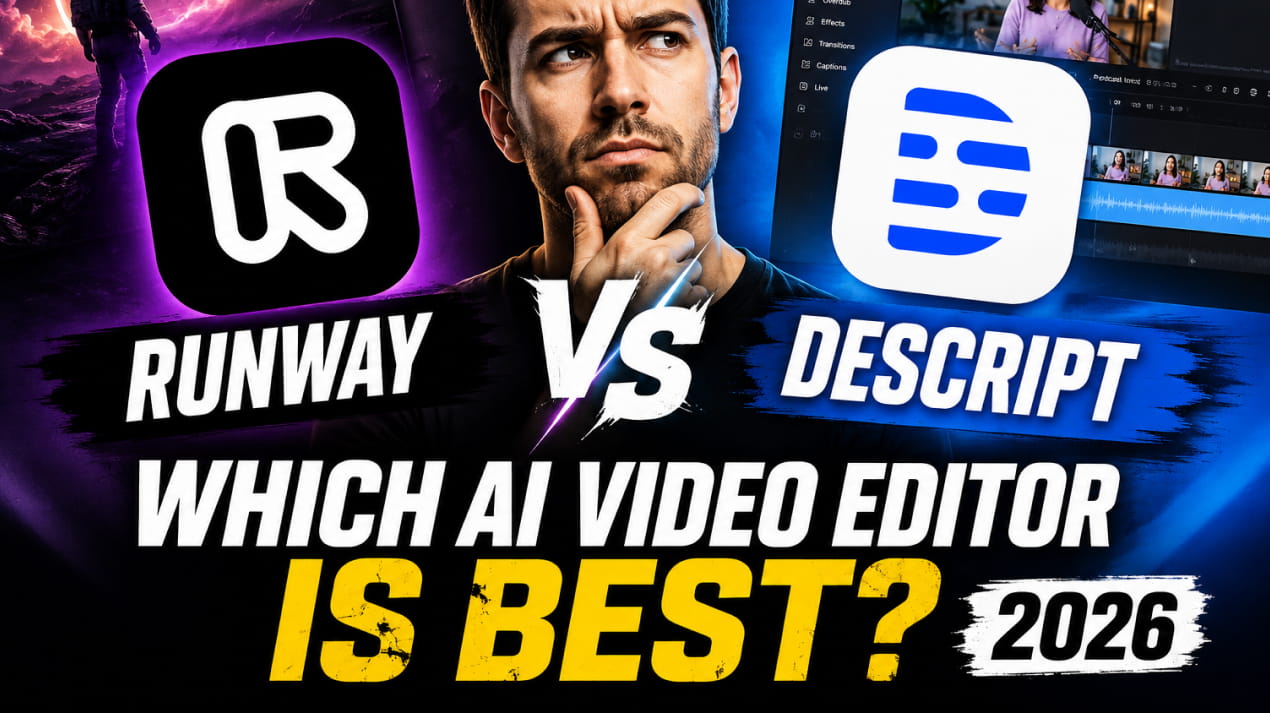
It is not hidden from anyone that AI video editing tools are changing how creators produce content. From social media clips to marketing videos, automation is making editing faster and easier. For that purpose, two popular tools leading this shift in the industry are Runway and Descript. Both platforms use artificial intelligence to simplify complex editing tasks, but they serve slightly different purposes.
In this comparison, we’ll break down their features, benefits, and strengths, so you can be sure which tool can best fit your needs. Whether you’re a YouTuber, marketer, or content creator, understanding how these platforms work will help you select the best AI video editor for your workflow.
What is Runway?
Runway is an AI-powered video editing platform that is designed to simplify advanced video production. It combines machine learning tools with an easy-to-use interface, allowing you to generate and edit videos without understanding any complex software.

One of its standout capabilities is text-to-video generation, where you can create videos from simple prompts, which makes it useful for marketers, designers, and filmmakers. The platform also includes background removal, motion tracking, and AI-powered effects.
These features can further reduce manual editing time and help you produce professional-quality content quickly. Runway operates in the cloud, so there is no need for heavy hardware. This accessibility also makes it attractive for those who don’t have expensive setups.
What is Descript?
Descript is an AI-based audio and video editing tool that focuses on text-driven editing. It allows you to edit video and audio simply by editing a transcript. This approach makes content editing easier, especially for beginners. Podcasters, YouTubers, and educators all use Descript for quick production workflows.

One of its most popular features is automatic transcription, where the tool can convert spoken words into editable text, enabling you to cut, rearrange, and remove content easily. Descript also includes screen recording, overdub voice cloning, and multitrack editing. These features make it a complete content creation platform.
Overall, Descript simplifies editing by combining transcription, recording, and AI enhancements into one streamlined environment.
Top Features & Benefits of Runway
AI Text-to-Video Generation
Runway’s text-to-video feature allows you to generate video clips from simple prompts. This eliminates the need for filming or sourcing footage. You can simply describe a scene, and it will create visuals automatically. This capability is especially helpful for marketers and social media creators as it speeds up content production and reduces costs.
The feature also supports creative experimentation, as you can test multiple ideas quickly. This flexibility encourages innovation without technical complexity. The generated videos can be edited further using built-in tools, and this combination of automation and customization makes text-to-video powerful.
Background Removal Without Green Screen
Runway offers AI-powered background removal that works without a green screen. This feature automatically isolates subjects from the background. With it, you can replace backgrounds with custom images or videos, as it simplifies compositing and visual storytelling.
This tool is valuable for content creators who lack studio setups because it saves time and reduces production costs. Its AI can detect motion accurately, which improves results. With it, you can create professional visuals with minimal effort.
Because of that, you can experiment with different environments quickly.
Motion Tracking and Visual Effects
Runway includes AI-based motion tracking for advanced visual editing. This feature allows you to attach text or graphics to moving objects. It enhances storytelling and improves visual engagement. Motion tracking usually requires complex software, but Runway simplifies it, which makes it unique on its own.
Because of that, you can apply effects without technical expertise, as the AI automatically detects movement and adjusts overlays. This not only saves editing time but also improves precision. Combined with visual effects, motion tracking adds cinematic quality.
Cloud-Based Editing Workflow
Runway operates entirely in the cloud, which removes the hardware limitations. With it, you can edit videos directly in a browser. This accessibility allows you to work from anywhere. Not only that, but it also simplifies collaboration, as you can share projects without transferring files.
Cloud-based editing also improves efficiency because updates and AI features are available instantly. The platform also handles rendering in the cloud, which saves processing power. Creators with basic devices can still produce high-quality videos.
Advanced AI Models for Creative Workflows
Runway regularly introduces new AI models designed for creative tasks. These models enhance video generation, editing, and effects. Because of that constant innovation, you’ll benefit greatly from it.
Advanced AI tools enable features like image generation and style transfer. At the same time, it also allows you to experiment with visuals easily. The models also improve output quality over time to ensure better results.
Runway’s focus on innovation makes it appealing for creative professionals. Now, you can explore new ideas without complex tools, because the evolving AI ecosystem expands possibilities.
Top Features & Benefits of Descript
Text-Based Video Editing
Descript allows you to edit videos by modifying text transcripts. This approach simplifies the editing process, as instead of timeline editing, you can remove words to cut clips, which is especially useful for beginners.
Text-based editing also improves speed, as you can now refine the content quickly. Not only that, but it also reduces technical barriers. This feature also supports collaboration, because you and your team can now review scripts while editing. By combining transcription and editing, Descript streamlines production, which makes it a powerful tool for content creators.
Automatic Transcription and Subtitles
Descript automatically converts speech into text. This feature saves hours of manual transcription. Automatic subtitles also enhance the overall accessibility, as you can now publish captioned videos easily, which can help you reach wider audiences.
This feature is especially useful for social media, because many viewers now watch videos without sound, and subtitles can improve engagement. Descript also allows editing transcripts for accuracy. At last, automatic transcription also reduces workload, and it improves SEO for video content.
Overdub Voice Cloning
Descript’s Overdub feature enables AI voice cloning. You can generate new audio using your own voice, which allows corrections without re-recording. It also saves time during editing.
Voice cloning improves flexibility because it allows you to update scripts easily. Descript’s AI generates natural-sounding audio, which is useful for podcasts and tutorials. Overdub also reduces production delays, as you can now avoid scheduling new recordings.
This innovative feature makes Descript stand out for audio-driven content production.
Built-in Screen Recording
Descript includes a built-in screen recording tool, where you can capture tutorials and presentations directly. This eliminates the need for additional software.
Screen recordings can integrate seamlessly with editing tools, and you can trim and enhance recordings quickly, which improves workflow efficiency. The feature is ideal for educators and software reviewers, as they can now record, edit, and publish on one platform, which reduces complexity.
Multitrack Audio and Video Editing
Descript supports multitrack editing for audio and video. You can manage multiple layers easily, which is useful for podcasts and interviews.
Multitrack editing can improve production quality, as you can adjust levels and timing. Not only that, but because its interface remains simple, it also reduces the learning curve. You can combine voice, music, and video smoothly.
The feature also supports collaboration, because you and your team can now edit different tracks, which can further enhance workflow efficiency.
Pros and Cons of Runway
Pros
Powerful AI Video Generation: Runway offers advanced AI video generation tools that create visuals from prompts. This speeds production, reduces costs, and can help you experiment quickly without requiring filming, stock footage, or complex editing knowledge.
Cloud-Based Accessibility: Runway’s cloud-based system allows you to edit from any device. No heavy hardware is required, which makes Runway ideal for teams, remote creators, and professionals that needed flexible workflows and collaboration capabilities.
Advanced Visual Effects: Runway includes motion tracking, background removal, and AI effects. These tools can simplify complex editing tasks, enabling you to create professional-quality visuals quickly without needing traditional video editing expertise.
Continuous AI Innovation: Runway frequently releases new AI models and features. This keeps the platform modern and competitive, allowing you to access cutting-edge tools for video generation, editing, and visual experimentation.
Beginner-Friendly Interface: Despite advanced capabilities, Runway maintains a clean interface. You can navigate tools easily, making it accessible for beginners while still providing enough depth for experienced creators.
Cons
Limited Audio Editing Tools: Runway focuses heavily on visuals, offering fewer advanced audio editing options. That‘s why those who are working with podcasts or voice-driven content may find audio controls limited compared to dedicated audio editing platforms.
AI Output May Need Refinement: AI-generated videos, sometimes, by Runway require manual adjustments. Results can vary depending on prompts, meaning you may spend extra time refining visuals to achieve professional-quality output.
Internet Dependency: Because Runway operates in the cloud, a stable internet connection is required. Slow connections can impact performance and overall editing experience.
Pricing for Advanced Features: Some advanced AI tools are available only in paid plans. This may limit access for beginners or small creators working with tight budgets.
Learning Curve for Advanced Tools: While basic editing is simple, mastering advanced AI features may take time. New users may need experimentation to fully understand Runway’s creative capabilities.
Pros and Cons of Descript
Pros
Text-Based Editing Simplicity: Descript’s transcript-based editing makes video and audio editing simple. With it, you can cut or rearrange content by editing text, which reduces technical complexity and improves productivity for beginners.
Accurate Automatic Transcription: Descript’s automatic transcription saves time and improves workflow. With it, you receive editable transcripts quickly, which makes it easier to create subtitles, refine content, and enhance accessibility.
Overdub Voice Cloning: Overdub allows you to generate new audio in your voice. This eliminates re-recording, saving time and maintaining consistency across podcasts, tutorials, and videos.
Built-in Screen Recording: Descript includes screen recording tools, allowing you to capture tutorials and presentations. This integration reduces the need for additional software.
Strong Collaboration Features: Team collaboration is smooth with shared projects and comments, which makes Descript suitable for teams working on podcasts, marketing videos, or educational content.
Cons
Limited Advanced Visual Effects: Descript focuses more on audio and transcript editing. It lacks advanced visual effects, which makes it less suitable for creators needing cinematic video production tools.
AI Voice Cloning Requires Setup: Overdub requires training the AI voice model. This setup takes time and may not be ideal for those needing quick results.
Cloud-Based Performance Limitations: Descript also relies on internet connectivity. Slow connections may affect transcription, rendering, and collaboration performance.
Less Suitable for Visual Creators: if you are focused on animation or visual storytelling may find Descript limited. It works best for audio-heavy content rather than complex video production.
Pricing for Full Features: Some advanced features require paid plans. This may limit access for beginners and casual creators working on smaller projects.
Runway vs Descript: Which is Better?
Choosing between Runway and Descript depends on your content needs. Runway is better for visual creators who want AI-generated video, motion tracking, and creative effects. It excels in producing marketing videos, social media content, and experimental visuals. The platform focuses on automation for video creation, making it ideal for designers and filmmakers.
Descript, however, is stronger for audio-driven content. Its text-based editing and transcription features simplify podcast and tutorial production. That’s why those who prioritize voice editing, screen recording, and collaboration will benefit more from Descript.
FAQ’s
- Is Runway better than Descript for video editing?
Runway is better for AI-generated visuals, while Descript is stronger for text-based and audio-focused editing workflows.
- Can Descript create AI videos like Runway?
Descript focuses on editing rather than generating videos, so it lacks advanced AI video creation features like Runway.
- Which tool is best for podcast editing?
Descript is generally better for podcast editing due to transcription and voice editing features.
- Do both tools require internet access?
Yes, both Runway and Descript are cloud-based platforms that require a stable internet connection.
- Which tool is easier for beginners?
Descript is easier for beginners because of its text-based editing interface.