Now Reading: Best AI Image Generators for Text-to-Image in 2026
-
01
Best AI Image Generators for Text-to-Image in 2026
Best AI Image Generators for Text-to-Image in 2026

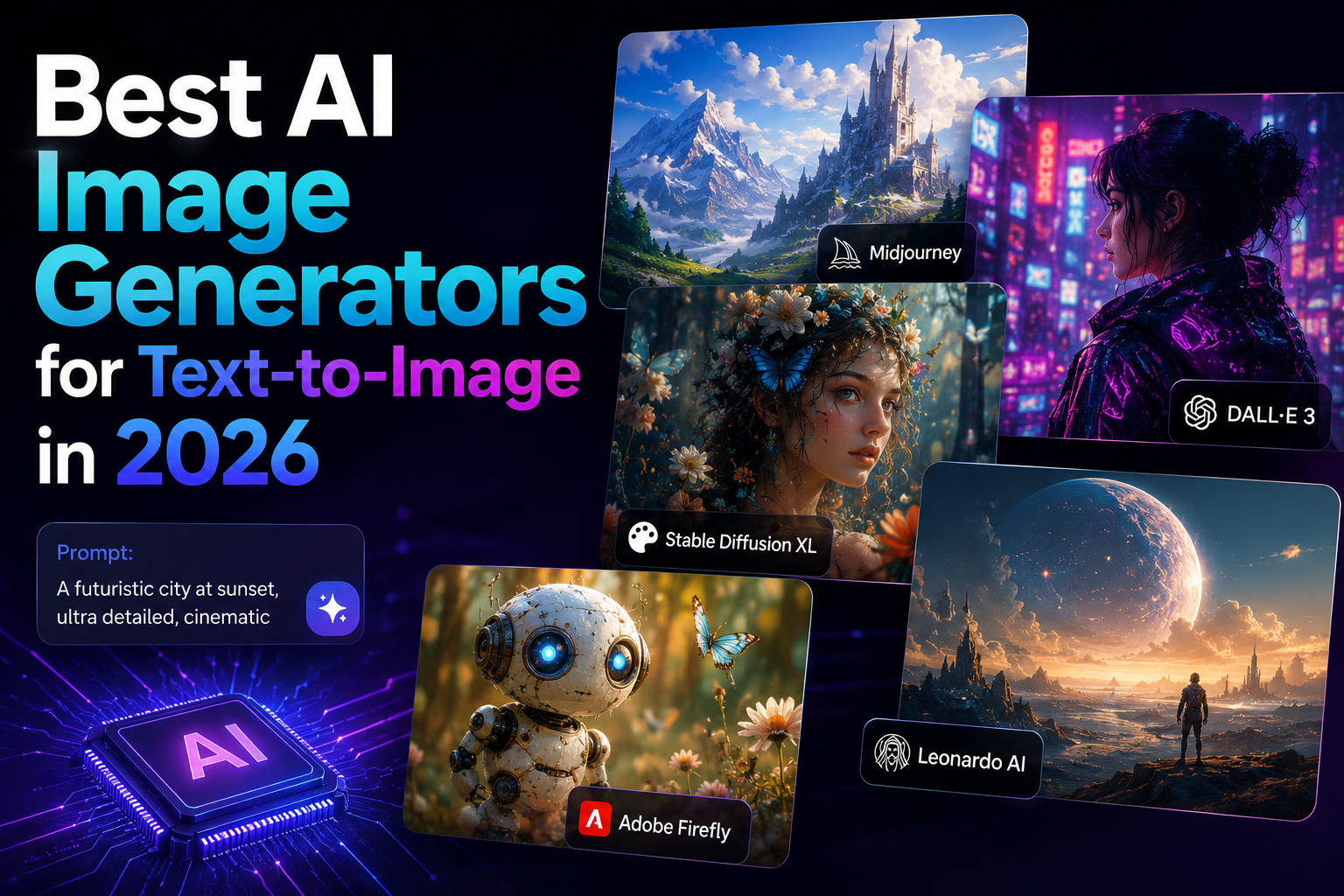
AI image generators have completely changed how we all produce visual content. With simple text prompts, you can now generate realistic images, artistic illustrations, and creative concepts in seconds.
But with so many tools available, choosing the right one can feel overwhelming. Each platform offers different strengths, pricing models, and levels of control. Some focus on artistic quality, while others prioritize speed, accessibility, or commercial safety.
That’s why in this guide, I’ll review and share some of the best AI image generators for text-to-image creation in 2026. You’ll discover what makes each tool unique, its key advantages and limitations, and who they are best suited for. By the end, you’ll have a clear understanding of which tool might be the best fit for you.
Midjourney
Midjourney is one of the most popular AI image generators known for producing highly artistic and visually stunning results. It primarily operates on Discord, where you create images from text prompts.
The tool is especially recognized for its detailed textures, cinematic style, and strong creative control. Many designers and digital artists prefer Midjourney for concept art, branding visuals, and creative projects.
While it has a small learning curve, it consistently delivers high-quality outputs that often feel more refined than those from other tools. It is widely used in creative industries and continues to evolve with regular updates and improvements.
What Makes Midjourney Unique?
Midjourney stands out for its artistic quality and visual depth. It excels in creating highly detailed, stylized, and cinematic images that often look professional without heavy editing.
The platform focuses strongly on aesthetics rather than basic image generation. Its community-driven environment also encourages experimentation, helping you refine prompts for better results.
Pros
- Produces highly artistic and visually impressive images.
- Excellent detail and texture quality.
- Strong community support and prompt examples.
- Regular model updates and improvements.
- Great for creative and concept-based projects.
Cons
- Requires Discord for access.
- Limited free usage options.
- Can take time to master prompting.
- Less suitable for strict commercial control.
- Not fully beginner-friendly.
Who is Midjourney best suited for?
Midjourney is ideal for designers, digital artists, and creative professionals who want high-quality artistic visuals.
Related article: Midjourney Review: Can It Finally Replace Your Graphic Designer?
Stable Diffusion
Stable Diffusion is a powerful open-source AI image generation model that offers flexibility and customization. Unlike many closed platforms, it can be used through various interfaces and even installed locally.
This makes it popular among developers and advanced users. It allows detailed control over image style, prompts, and settings. Because it is open-source, many tools and platforms are built on top of it.
Stable Diffusion is widely used for both personal projects and commercial applications, especially when customization and control are important.
What Makes Stable Diffusion Unique?
Stable Diffusion is unique because it is open-source and highly customizable. You can run it locally, modify it, or integrate it into different applications.
This flexibility makes it a favorite among developers and technical users. It supports advanced settings, model training, and fine-tuning. The ability to control the environment and workflow gives it an edge.
Pros
- Open-source and highly flexible.
- Can be run locally.
- Extensive customization options.
- Large community and model variations.
- Suitable for commercial projects.
Cons
- Requires technical knowledge.
- Setup can be complex.
- Interface depends on third-party tools.
- Quality varies by model version.
- Not beginner-friendly in raw form.
Who is Stable Diffusion best suited for?
Stable Diffusion is best for developers, advanced users, and businesses that need customization.
People also like: DALL-E vs. Stable Diffusion: Which AI Image Generator is Best?
Bing Image Creator (Microsoft Designer)
Bing Image Creator, powered by Microsoft and integrated into Microsoft Designer, offers an easy way to generate images using text prompts. It is accessible through a web browser and is designed for simplicity.
The tool focuses on user-friendly interaction and quick results. It is suitable for beginners and casual users who want fast image generation without complex settings.
Since it is integrated into Microsoft’s ecosystem, it also benefits from strong platform support and continuous improvements.
What Makes Bing Image Creator Unique?
Bing Image Creator stands out because of its accessibility and integration with Microsoft tools. It allows you to generate images quickly without needing technical skills.
The platform is simple, browser-based, and beginner-friendly. It also combines design capabilities within Microsoft Designer, making it convenient for users already working in the Microsoft ecosystem.
Pros
- Easy to use for beginners.
- Free access options available.
- Integrated with Microsoft tools.
- Fast image generation.
- No technical setup required.
Cons
- Limited advanced customization.
- Less control over fine details.
- Output style may feel consistent.
- Depends on the Microsoft ecosystem.
- May have usage limits.
Who is Bing Image Creator best suited for?
This tool is best for beginners, students, and everyday users who need quick visuals.
You may also like: Bing Image Creator Review: Worth Trying in 2026?
Adobe Firefly
Adobe Firefly is Adobe’s AI image generation tool designed with creative professionals in mind. It integrates with Adobe’s ecosystem, including Photoshop and Illustrator.
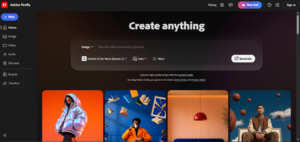
Firefly focuses on producing commercially safe content, which makes it suitable for business use. The platform emphasizes ethical training data and responsible AI practices. It is especially useful for designers who already use Adobe products and want AI features inside their workflow.
What Makes Adobe Firefly Unique?
Adobe Firefly is unique because it integrates directly with Adobe Creative Cloud applications. It is designed for commercial safety and professional use.
The tool emphasizes copyright-friendly outputs and responsible AI training. Its deep integration with Photoshop and other Adobe software allows you to generate and edit images seamlessly.
This workflow-focused approach makes Firefly highly valuable for professional designers and agencies.
Pros
- Integrated with Adobe tools.
- Commercially safe focus.
- Professional workflow support.
- High-quality outputs.
- Regular updates from Adobe.
Cons
- Requires an Adobe subscription.
- Limited free features.
- Less creative freedom than some tools.
- Best performance within the Adobe ecosystem.
- May feel restrictive for experimental users.
Who is Adobe Firefly best suited for?
Adobe Firefly is ideal for professional designers, agencies, and businesses using Adobe products.
Jasper Art
Jasper Art is an AI image generation tool developed by Jasper, a popular AI content platform. It allows you to create images directly from text prompts within the Jasper ecosystem.
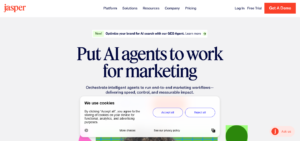
The tool is designed mainly for marketers, content creators, and businesses that already use Jasper for writing tasks. Jasper Art focuses on creating royalty-free images for blogs, ads, social media, and presentations.
It is built for simplicity and quick generation rather than complex customization. The platform aims to streamline content creation by combining text and image generation in one place.
What Makes Jasper Art Unique?
Jasper Art is unique because it integrates image generation with Jasper’s AI writing tools. This combination allows you to create both copy and visuals in a single workflow.
It is designed with marketers in mind, focusing on brand-friendly and commercial use cases. The platform emphasizes ease of use, making it simple to generate images without technical skills.
Pros
- Integrated with Jasper writing tools.
- Easy-to-use interface.
- Good for marketing content.
- Generates royalty-free images.
- Fast image creation process.
Cons
- Requires Jasper subscription.
- Limited advanced customization.
- Not as artistic as specialized tools.
- Best value within the Jasper ecosystem.
- Fewer style controls.
Who is Jasper Art best suited for?
Jasper Art is best suited for marketers, bloggers, and businesses already using Jasper.
DreamStudio
DreamStudio is the official web interface for Stable Diffusion, offering a user-friendly way to access powerful AI image generation. It allows you to create images using text prompts with customizable settings.
Unlike fully technical setups, DreamStudio provides a clean interface suitable for both beginners and advanced users. It is built to make Stable Diffusion more accessible without requiring local installation.
The platform offers control over image style, quality, and generation parameters, making it flexible for different creative needs.
What Makes DreamStudio Unique?
DreamStudio is unique because it provides direct access to Stable Diffusion via an official, simplified interface. It combines the power of open-source AI with a structured, web-based platform.
You can adjust generation settings and experiment with prompts easily. This balance between accessibility and control makes it a practical choice for those who want Stable Diffusion’s capabilities without any complex technical setup.
Pros
- Built on Stable Diffusion model.
- Web-based and easy to access.
- Adjustable generation settings.
- Suitable for creative projects.
- Supports commercial use options.
Cons
- Requires account setup.
- Limited free credits.
- Interface may feel technical.
- Quality depends on settings.
- Not fully beginner-focused.
Who is DreamStudio best suited for?
DreamStudio is best for those who want Stable Diffusion’s power with a simple interface.
Luma Dream Machine
Luma Dream Machine is an AI platform focused on generating realistic and high-quality visuals, particularly known for its advanced image and video capabilities. It is designed to produce smooth, detailed outputs with strong visual consistency.
The platform emphasizes modern AI research and creative performance. It is gaining attention among creators looking for next-generation visual generation tools.
Luma Dream Machine is built to handle complex prompts and deliver impressive results suitable for professional and experimental use.
What Makes Luma Dream Machine Unique?
Luma Dream Machine stands out for its focus on advanced AI research and high-quality visual generation. It aims to produce realistic and dynamic outputs with strong detail.
The platform is designed to handle complex creative prompts efficiently. Its emphasis on next-generation capabilities and smooth rendering makes it different from traditional image generators.
Pros
- Advanced AI technology.
- High-quality visual output.
- Handles complex prompts.
- Modern interface.
- Suitable for creative experimentation.
Cons
- May have access limitations.
- Not as widely established.
- Learning curve for advanced features.
- Limited free usage options.
- Still evolving platform.
Who is Luma Dream Machine best suited for?
Luma Dream Machine is best for creators, tech enthusiasts, and professionals exploring advanced AI visuals.
NightCafe Studio
NightCafe Studio is a popular AI art generation platform that allows you to create images using multiple AI models. It supports various styles and provides a community-driven environment.
You can experiment with different algorithms and participate in challenges. NightCafe is known for being beginner-friendly while still offering advanced features.
It works through a web-based interface and provides both free and paid options. The platform is widely used for creative art generation and social engagement within the AI community.
What Makes NightCafe Studio Unique?
NightCafe Studio is unique because it supports multiple AI models within one platform. You can choose different algorithms to generate diverse styles.
It also includes a strong community aspect with challenges and sharing features. This combination of flexibility and social interaction makes it different from single-model tools.
Pros
- Multiple AI models supported.
- Beginner-friendly interface.
- Community challenges available.
- Free usage options.
- Wide range of art styles.
Cons
- Output quality varies by model.
- Advanced features may require credits.
- Interface can feel crowded.
- Not focused on one specific style.
- Limited deep customization.
Who is NightCafe Studio best suited for?
NightCafe Studio is best for beginners, hobbyists, and creative users who want to explore different AI models.
FAQ’s
- Which is the best AI image generator in 2026?
The best tool depends on your needs. Midjourney is popular for artistic quality, while Stable Diffusion offers customization.
- Are AI image generators free to use?
Many tools offer free versions with limitations.
- Can AI-generated images be used commercially?
Most platforms allow commercial use, but it depends on their terms.
- Do AI image generators require technical skills?
Not always. Some tools are designed for beginners, while others, like Stable Diffusion, may require technical knowledge for full customization.