Now Reading: Bing Image Creator vs DALL-E: The Real Difference Explained
-
01
Bing Image Creator vs DALL-E: The Real Difference Explained
Bing Image Creator vs DALL-E: The Real Difference Explained

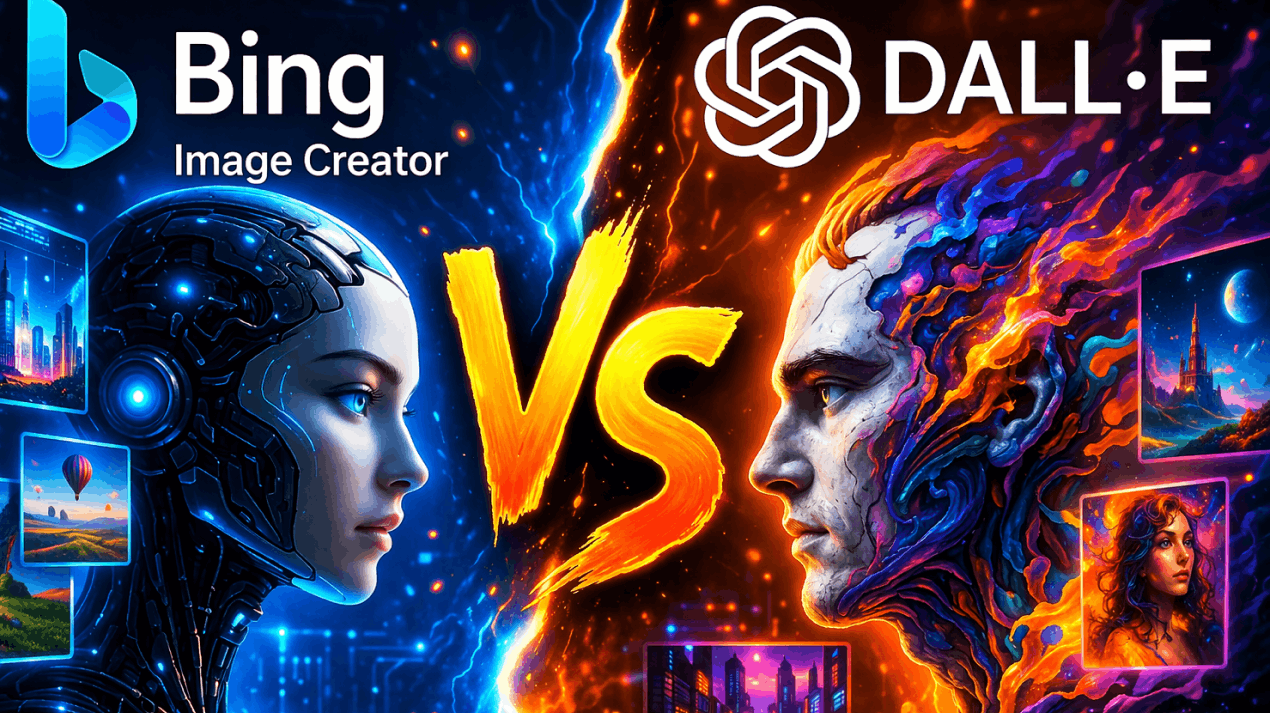
AI image generation tools are changing how everyone, including designers, marketers, and content creators, designs visuals. Instead of relying heavily on stock photos or manual design, you can now generate images using simple text prompts.
Two widely discussed tools in this space are Bing Image Creator and DALL-E. Both platforms use artificial intelligence to create images, but they differ in flexibility, quality, and control.
Understanding the differences between these tools is important before choosing one. This comparison explores their features and benefits, and can help you determine which AI image generator fits your creative workflow best.
What is Bing Image Creator
In simple terms, Bing Image Creator is an AI-powered image generation tool that is developed by Microsoft. It allows you to create images by typing descriptive prompts. This tool is integrated into the Bing search environment, which makes it accessible directly from a browser.
With it, you can generate visuals quickly without installing software. This simplicity makes it popular among beginners and casual creators. The platform uses advanced AI models to interpret prompts and produce images in various styles. Because of that, you can create illustrations, concept art, and social media graphics easily.
Bing Image Creator also offers a straightforward interface, which reduces the learning curve. The tool generates multiple variations for each prompt, allowing you to choose the best option.
Another advantage is speed. With Bing Image Creator, images are produced quickly, which makes it suitable for rapid content creation. Bing Image Creator is especially helpful for bloggers, marketers, and students who need quick visuals without complex editing tools.
What is DALL-E
In simple terms, DALL-E is an advanced AI image generation tool that is developed by OpenAI. It creates high-quality images from text prompts, allowing you to generate detailed and creative visuals. The platform is designed for flexibility and precision. Designers, marketers, and artists often use it for professional-quality outputs.
One of DALL-E’s key strengths is its ability to understand complex prompts. With it, you can specify style, lighting, composition, and details. The AI produces refined results that match instructions closely. DALL-E also supports image editing features. You can modify existing images or expand them using AI. This makes it useful for creative workflows.
The tool is known for producing high-resolution images and realistic artwork. It offers greater control compared to simpler generators. DALL-E is suitable for branding, concept art, and marketing visuals.
Related article: Midjourney vs DALL·E: Best AI Image Generator?
Top Features & Benefits of Bing Image Creator
Simple Prompt-Based Image Generation
Bing Image Creator allows you to generate images using simple text prompts, making it accessible to beginners. You just need to describe the desired image, and its AI will automatically create multiple variations of it. This process removes the need for design skills.
The feature is useful for quick content creation, as bloggers and marketers can generate visuals rapidly. The interface, on the other hand, also remains clean and straightforward, which reduces complexity.
You can experiment with prompts easily as the tool produces results in seconds, which improves productivity. Simple prompt-based generation makes Bing Image Creator suitable for those who want fast visuals without advanced customization.
Fast Image Creation Speed
Bing Image Creator is designed for quick image generation. With it, you receive results within seconds. This speed is helpful for content creators who are working under deadlines. This rapid output allows testing multiple ideas quickly.
Fast generation also improves workflow efficiency as you can refine prompts and regenerate images easily, which reduces waiting time. The tool’s performance supports consistent productivity. Quick image creation is valuable for social media content.
Integrated with Search Environment
Bing Image Creator is integrated within the Bing ecosystem. That’s why you can access it directly through a browser, which eliminates the need for separate software. The integration simplifies workflows.
With it, you can search for ideas and generate images in one place, which improves convenience. This feature also supports quick iterations. If you are a creator, you can refine prompts instantly. Integration with search enhances accessibility.
Not only that, but beginners also find it easy to use, as this seamless environment reduces friction.
Multiple Image Variations
Bing Image Creator generates multiple image variations for each prompt, which gives you several options, as you can select the best result quickly, which improves creative flexibility.
Multiple variations also encourage experimentation, as you can compare styles and compositions. This helps refine ideas. The feature also reduces manual editing, because instead of adjusting one image, you can choose from generated options, which saves time.
Beginner-Friendly Interface
Bing Image Creator offers a simple interface. You can start generating images immediately because the layout is clean and intuitive, which reduces learning time.
Beginners benefit from minimal settings because the tool focuses on prompt input. This keeps the process straightforward. Those who do not have technical knowledge can also benefit greatly from this, because the interface also supports quick navigation, which improves workflow speed.
Top Features & Benefits of DALL-E
High-Quality Image Generation
DALL-E is known for producing high-quality images. Its AI understands detailed prompts, which results in refined outputs. Not only that, but you can create realistic or artistic visuals, as its quality is suitable for professional use.
High-quality generation improves branding. Businesses can create polished visuals. The feature also supports creativity, because you can experiment with styles. DALL-E maintains clarity and detail, which enhances overall output.
Advanced Prompt Understanding
DALL-E can interpret complex prompts. With it, you can specify details like lighting and composition, which improves control. The AI responds accurately to instructions.
Advanced prompt understanding also enhances precision, as you can create specific visuals. The feature supports customization. You can refine prompts gradually, which can significantly improve results. DALL-E’s ability to handle detailed instructions makes it powerful.
Image Editing and Expansion
DALL-E supports image editing capabilities. With it, you can modify generated images. Not only that, but you can also expand images beyond their original boundaries. This enhances creativity.
Editing features improve workflow flexibility, as you can refine visuals. The expansion tool allows extending backgrounds, which helps create larger compositions. The AI blends edits naturally, which reduces manual work.
Creative Style Flexibility
DALL-E supports multiple artistic styles. With it, you can generate illustrations, paintings, and realistic images. This flexibility enhances creativity.
Style flexibility also allows experimentation, because you, as a designer, can now explore different concepts. The AI adapts to different requests. This improves versatility. Users can create unique visuals.
High-Resolution Output Options
DALL-E provides high-resolution outputs, which improve visual clarity. With it, you can use images for professional projects.
Detailed outputs enhance quality, as its AI maintains consistency. With it, you can generate polished visuals. High-resolution options improve usability. This feature benefits marketers and designers.
Also Read: DALL-E vs. Stable Diffusion
Pros and Cons of Bing Image Creator
Pros
Easy to Use for Beginners: Bing Image Creator offers a simple interface that allows you to generate images quickly. With it, even beginners can create visuals without learning complex settings, which makes it accessible for every type of individual.
Fast Image Generation: Bing Image Creator generates images within seconds, allowing you to experiment with multiple prompts. This speed improves productivity for those who need quick visuals for blogs, social media, and presentations.
Free and Accessible: Bing Image Creator is widely accessible without requiring advanced subscriptions, which makes it suitable for those who want AI-generated images without investing heavily in paid design tools.
Multiple Image Variations: Each prompt generates several image variations. With it, you can compare options and select the best output quickly, which can significantly reduce editing time and improve creative flexibility.
Integrated with Search Workflow: The tool works directly within a browser environment. With it, you can research ideas and generate images in one place, which can improve convenience and reduce workflow interruptions.
Cons
Limited Advanced Editing Controls: Bing Image Creator focuses on quick generation rather than editing. With it, you are going to have fewer options for refining images, which may limit precision for professional design projects.
Output Quality May Vary: Image quality can sometimes be inconsistent. Complex prompts may not always produce accurate results, requiring you to regenerate images multiple times.
Restrictive Content Filters: The platform applies strict content moderation. Certain prompts may be blocked, limiting creative flexibility for advanced or experimental users.
Fewer Customization Options: Compared to advanced tools, Bing Image Creator provides fewer customization settings. That’s why you cannot fine-tune composition, resolution, or editing parameters extensively.
Internet Dependency: The tool operates online, requiring a stable internet connection. Slow connectivity may affect generation speed and overall experience.
You may also like: Midjourney vs Leonardo AI for Image Generation in 2026
Pros and Cons of DALL-E
Pros
High-Quality Image Output: DALL-E produces detailed and refined images. The outputs are suitable for professional design, marketing materials, and creative projects requiring polished visuals and higher accuracy.
Advanced Prompt Understanding: The AI can interpret complex instructions. With it, you can specify style, lighting, and composition, resulting in more precise and tailored outputs.
Image Editing Capabilities: DALL-E supports editing and expansion features. You can modify images, extend backgrounds, and refine details, improving creative control.
Flexible Style Generation: The tool supports multiple artistic styles. Because of that, you can create realistic, illustrative, and abstract visuals easily, which makes it suitable for diverse projects.
Professional-Level Control: DALL-E offers greater control over output quality and creativity. This flexibility makes it ideal for designers and marketers requiring refined visuals.
Cons
May Require Learning Curve: Advanced prompt control may take time to master. Beginners might need experimentation to achieve desired results.
Slower Than Basic Generators: High-quality generation may take slightly longer. This can affect those who need instant results for quick content creation.
Limited Free Usage: Access to advanced features may require subscriptions, which could be restrictive for those seeking free tools.
Prompt Sensitivity: Results depend heavily on prompt quality. Poorly written prompts may produce unexpected outputs, requiring refinement.
Content Restrictions: Like many AI tools, DALL-E applies safety filters. Certain prompts may be limited, reducing flexibility for some users.
Bing Image Creator vs DALL-E: Which is Better?
Choosing between Bing Image Creator and DALL-E depends on your needs. Bing Image Creator is better for quick, simple image generation. It is easy to use and suitable for beginners. With it, you can create images rapidly without learning advanced settings, which makes it ideal for bloggers, students, and social media creators.
DALL-E, however, offers more control and higher-quality outputs. It is better suited for designers and marketers who need detailed visuals. The advanced prompt understanding allows precise customization. DALL-E also supports editing and expansion features, improving workflow flexibility.
If speed and simplicity are your priority, Bing Image Creator is the better option. If you require professional-level quality and customization, DALL-E is more suitable.
Conclusion
Bing Image Creator and DALL-E are powerful AI image generation tools, but they serve different audiences, and once you understand these differences, you can easily choose what is right for you.
That’s why above, I’ve shared all the detailed insights into each tool to help you make the right choice. By now, you’ll be pretty sure as to why you should choose which tool. Also, when comparing both platforms, the decision depends on your workflow.
FAQ’s
- Is Bing Image Creator free to use?
Yes, Bing Image Creator is accessible without advanced paid requirements.
- Does DALL-E provide better image quality?
DALL-E typically produces more detailed and refined images compared to Bing Image Creator.
- Which tool is better for beginners?
Bing Image Creator is easier for beginners due to its simple interface.
- Can DALL-E edit existing images?
Yes, DALL-E supports editing and expanding images for customization.
- Which tool is faster?
Bing Image Creator usually generates images faster, while DALL-E focuses more on quality.