Now Reading: GitHub Copilot vs. Codeium (2026): Which AI Coding Assistant Wins?
-
01
GitHub Copilot vs. Codeium (2026): Which AI Coding Assistant Wins?

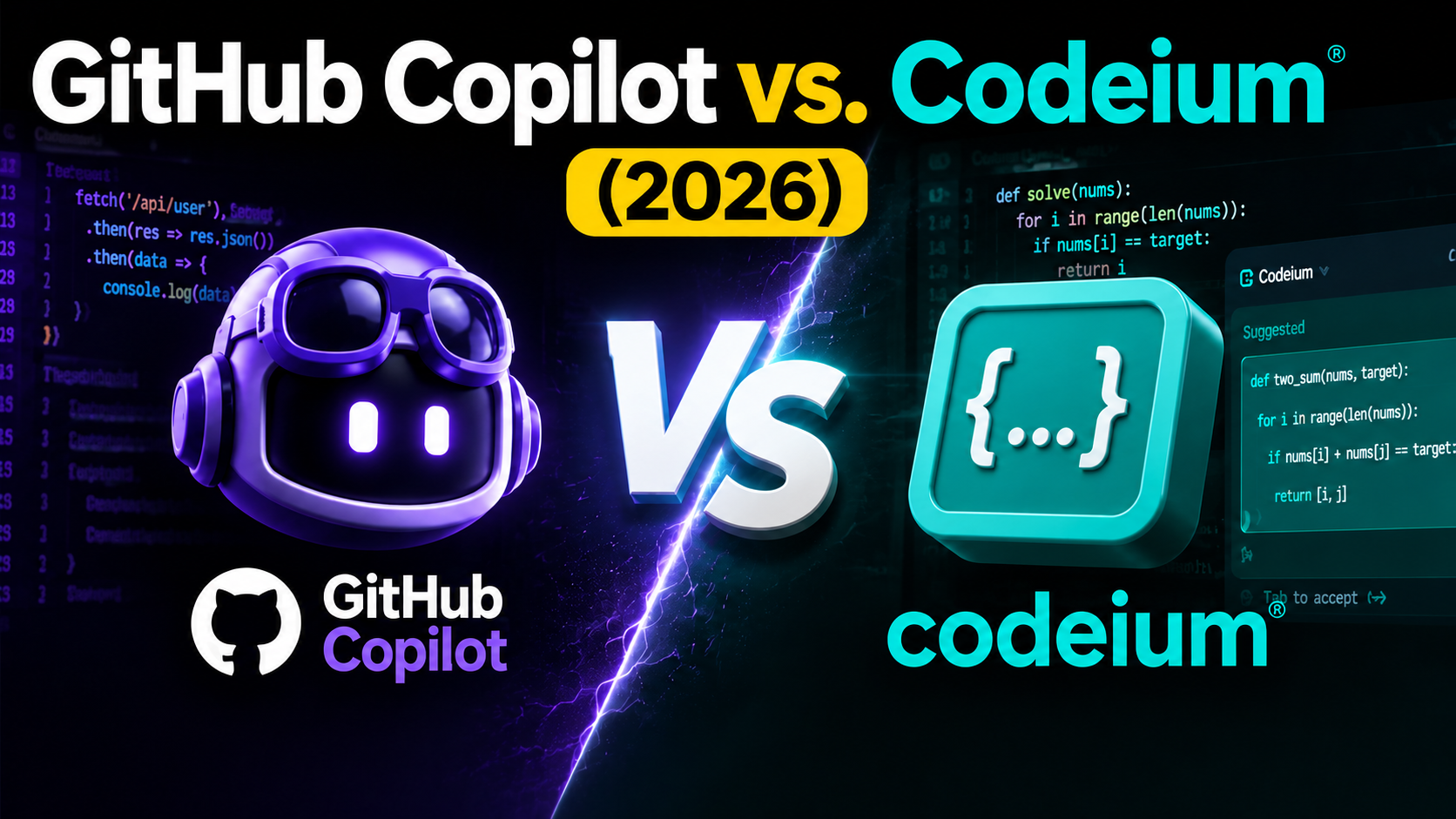
In 2026, AI coding assistants are no longer optional because they are now part of every developer’s workflow. From writing code faster to fixing errors instantly, tools like GitHub Copilot and Codeium are changing how developers build software.
Whether you are a beginner learning programming or a professional handling complex projects, choosing the right tool can save hours of effort. Both tools promise speed, accuracy, and smarter coding support, but they work differently in terms of features, pricing, and performance.
In this comparison, I’ll break down what each tool offers, how they help developers, and which one fits your needs better in 2026. This guide will help you make a clear, confident decision.
What is GitHub Copilot
In simple terms, GitHub Copilot is an AI-powered coding assistant that is developed by GitHub in collaboration with OpenAI. It works inside popular code editors like Visual Studio Code and helps you write code faster by suggesting full lines, functions, and even complete solutions.
Instead of typing everything manually, you can describe what you want, and Copilot generates relevant code instantly. It supports multiple programming languages, including Python, JavaScript, Java, and more.
Copilot learns from context, meaning it understands your current file and project to provide accurate suggestions. It also helps reduce repetitive tasks, improve productivity, and assist with debugging.

What is Codeium
Codeium is a fast-growing AI coding assistant known for being completely free while offering powerful features. It integrates with popular IDEs like VS Code, JetBrains, and more, helping you write, edit, and understand code efficiently. Codeium provides real-time suggestions, autocomplete, and chat-based assistance to improve coding speed without extra cost.
One of its biggest strengths is accessibility. Unlike many paid tools, Codeium gives you access to advanced AI support without subscriptions. It supports a wide range of programming languages and is designed to be lightweight and fast.
In 2026, Codeium is a strong choice for freelancers, students, and startups looking for a reliable AI coding tool without spending money, while still getting performance close to premium solutions.
Top Features & Benefits of GitHub Copilot
AI-Powered Code Autocomplete
GitHub Copilot offers advanced autocomplete that goes beyond basic suggestions. It predicts entire lines and blocks of code based on your input and context. This makes coding faster and reduces manual effort.
Instead of writing repetitive code, you can rely on smart suggestions that match the intent. It works smoothly across different languages and adapts to coding styles. This feature is especially useful for large projects where consistency and speed matter.
By reducing typing time and minimizing errors, Copilot helps you focus more on logic and problem-solving rather than routine coding tasks.
Context-Aware Suggestions
One of Copilot’s strongest features is its ability to understand context. It reads your current file, comments, and structure to provide relevant suggestions. This means the code it generates is more accurate and aligned with your project.
You can write simple comments describing a function, and Copilot turns them into working code. This improves workflow and reduces the need for constant searching.
Context awareness makes it feel like a real assistant, as it helps you think and code at the same time without breaking focus.
Multi-Language Support
GitHub Copilot supports a wide range of programming languages, including Python, JavaScript, C++, Java, and more. This makes it suitable for developers who are working across different projects and technologies.
Whether you are building web apps, APIs, or software systems, Copilot adapts easily. It maintains consistency in coding patterns and helps you switch between languages without losing productivity.
This flexibility is one of the reasons why many developers prefer Copilot as their primary AI coding assistant in 2026.
Seamless IDE Integration
Copilot integrates directly into popular development environments like Visual Studio Code, Visual Studio, and Neovim. This allows you to use its features without changing their workflow. The tool runs smoothly in the background, offering suggestions as you type.
There is no need for a complex setup or switching between tools. This seamless experience saves time and keeps everything in one place. For developers who value efficiency, this integration makes Copilot easy to adopt and use daily.
Productivity Boost for Developers
GitHub Copilot significantly improves productivity by reducing coding time and effort. It helps you complete tasks faster, write cleaner code, and avoid repetitive work. By automating common coding patterns, it allows you to focus on solving real problems.
This leads to better output and faster project completion. Teams can also benefit from improved consistency and collaboration.
Top Features & Benefits of Codeium
Fast and Lightweight Performance
Codeium is designed to be fast and efficient. It runs smoothly without slowing down your system or IDE. The tool provides quick, real-time suggestions, helping you maintain your workflow without delays.
This lightweight performance makes it suitable for both low-end and high-end systems. You can focus on coding without interruptions, which improves overall efficiency. Speed is a key factor, and Codeium delivers consistent performance even during complex coding tasks.
Wide IDE Compatibility
Codeium supports multiple development environments, including VS Code, JetBrains, and other popular editors. This allows you to use it across different platforms without restrictions. The setup process is simple, and integration is smooth.
Whether you are working on web development, mobile apps, or backend systems, Codeium fits easily into your workflow. This flexibility makes it a practical choice for developers who use different tools and want a consistent AI assistant across all environments.
AI Chat for Code Assistance
Codeium includes a built-in AI chat feature that helps you understand code, fix bugs, and generate solutions. Instead of searching online, you can ask questions directly within the tool. It provides clear answers, explanations, and code examples instantly.
This improves learning and problem-solving speed. For beginners, this feature acts like a coding mentor, while experienced developers can use it to save time and handle complex tasks more efficiently.
Strong Multi-Language Support
Codeium supports a wide range of programming languages, which makes it useful for different types of development work. From web technologies to backend systems, it adapts to various coding needs.
This allows you to switch between languages without losing productivity. The tool maintains accuracy and consistency across projects. In 2026, this broad support makes Codeium a reliable option for developers working on diverse tasks, keeping everything simple and efficient.
Pros and Cons of GitHub Copilot
Pros
Faster Code Writing: GitHub Copilot helps you write code much faster by suggesting complete lines and functions. It reduces manual typing, saves time, and allows you to focus more on logic.
Smart Context Understanding: It understands your code context, comments, and structure to generate relevant suggestions. This makes the output more accurate and useful, especially when you are working on large projects with complex requirements.
Supports Multiple Languages: Copilot works with many programming languages, which makes it useful for developers who are handling different types of projects. It maintains consistency and helps switch between technologies without slowing down productivity or workflow.
Easy Integration: It integrates smoothly with popular IDEs like VS Code. You can start using it without changing their workflow, which makes it simple and easy to adopt for everyday coding tasks.
Improves Productivity: By reducing repetitive work and offering instant suggestions, Copilot helps you complete tasks faster. It improves efficiency and allows you and your teams to deliver projects quickly without compromising code quality or performance.
Cons
Sometimes Inaccurate Suggestions: While powerful, Copilot can generate incorrect or incomplete code. You still need to review and test outputs carefully, which means it cannot fully replace human coding knowledge and experience.
Limited Offline Use: Copilot relies on internet connectivity to function properly. Without a stable connection, its performance drops, which can be inconvenient for developers working in limited or offline environments.
Learning Curve for Beginners: New users may take time to understand how to use Copilot effectively. Without proper prompts or structure, the suggestions may not always align with expectations, leading to confusion during early use.
Privacy Concerns: Some developers worry about code privacy when using AI tools. Since Copilot processes code inputs, teams that are working on sensitive projects may hesitate to fully rely on it for secure development tasks.
Pros and Cons of Codeium
Pros
Completely Free to Use: Codeium offers powerful AI coding features without any cost. This makes it ideal for students, freelancers, and startups who want strong coding support without paying for subscriptions or premium tools.
Fast Performance: Codeium runs quickly and provides real-time suggestions without slowing down your system. Its lightweight design ensures smooth performance, even on lower-end devices, making it accessible for all developers.
Wide IDE Support: It supports multiple IDEs like VS Code and JetBrains, allowing you to work across different platforms easily. This flexibility makes Codeium a practical choice for diverse development environments and workflows.
Built-In AI Chat: Codeium includes an AI chat feature that explains code, fixes bugs, and generates solutions. This reduces the need for external searches and speeds up problem-solving during development tasks.
Good Language Support: It supports many programming languages, making it suitable for different projects. You can work on web, backend, or software development tasks without switching tools or losing efficiency in coding processes.
Cons
Less Accurate Than Premium Tools: While effective, Codeium may not always match the accuracy of paid tools. Some suggestions can feel basic or less refined, especially for complex coding tasks or advanced development needs.
Limited Advanced Features: Compared to premium tools, Codeium lacks some advanced capabilities. Features like deep context understanding and highly optimized suggestions are still improving, which may affect performance for professional developers.
Smaller Ecosystem: Codeium has a smaller ecosystem compared to established tools. This means fewer integrations, community resources, and support options, which can limit its usefulness for large-scale or enterprise-level projects.
Occasional Lag in Suggestions: Although generally fast, Codeium can sometimes delay suggestions during heavy tasks. This may interrupt workflow slightly, especially when working on complex files or large codebases.
Less Enterprise Adoption: Codeium is still growing and is not widely adopted in enterprise environments. Some companies may prefer more established tools for reliability, support, and long-term integration into development systems.
GitHub Copilot vs Codeium: Which is Better?
Choosing between GitHub Copilot and Codeium depends on your needs and budget. GitHub Copilot is more advanced, offering better context understanding, smarter suggestions, and strong integration with professional workflows. It is ideal for experienced developers and teams working on complex projects.
On the other hand, Codeium stands out because it is completely free while still offering solid performance. It is perfect for beginners, students, and freelancers who want reliable AI support without spending money.
Conclusion
In 2026, both GitHub Copilot and Codeium have proven to be valuable tools for developers. GitHub Copilot stands out with its advanced AI capabilities, better accuracy, and strong integration, making it ideal for professionals and teams handling complex projects. It delivers consistent performance and helps improve overall development speed.
Codeium, however, offers impressive value by providing similar core features for free. It is a practical choice for beginners, freelancers, and anyone looking to reduce costs without losing productivity.
Ultimately, both tools serve different needs. Choosing the right one depends on your experience level, project requirements, and budget.
FAQ’s
- Is GitHub Copilot better than Codeium?
Yes, GitHub Copilot is better than Codeium because it is more advanced and accurate.
- Can beginners use these tools easily?
Yes, both tools are beginner-friendly.
- Which tool is better for professional developers?
GitHub Copilot is generally better for professionals.
- Do these tools replace developers?
No, they assist developers by speeding up coding tasks.