Now Reading: 9 Best Bing Image Creator Alternatives You Should Try in 2026
-
01
9 Best Bing Image Creator Alternatives You Should Try in 2026
9 Best Bing Image Creator Alternatives You Should Try in 2026

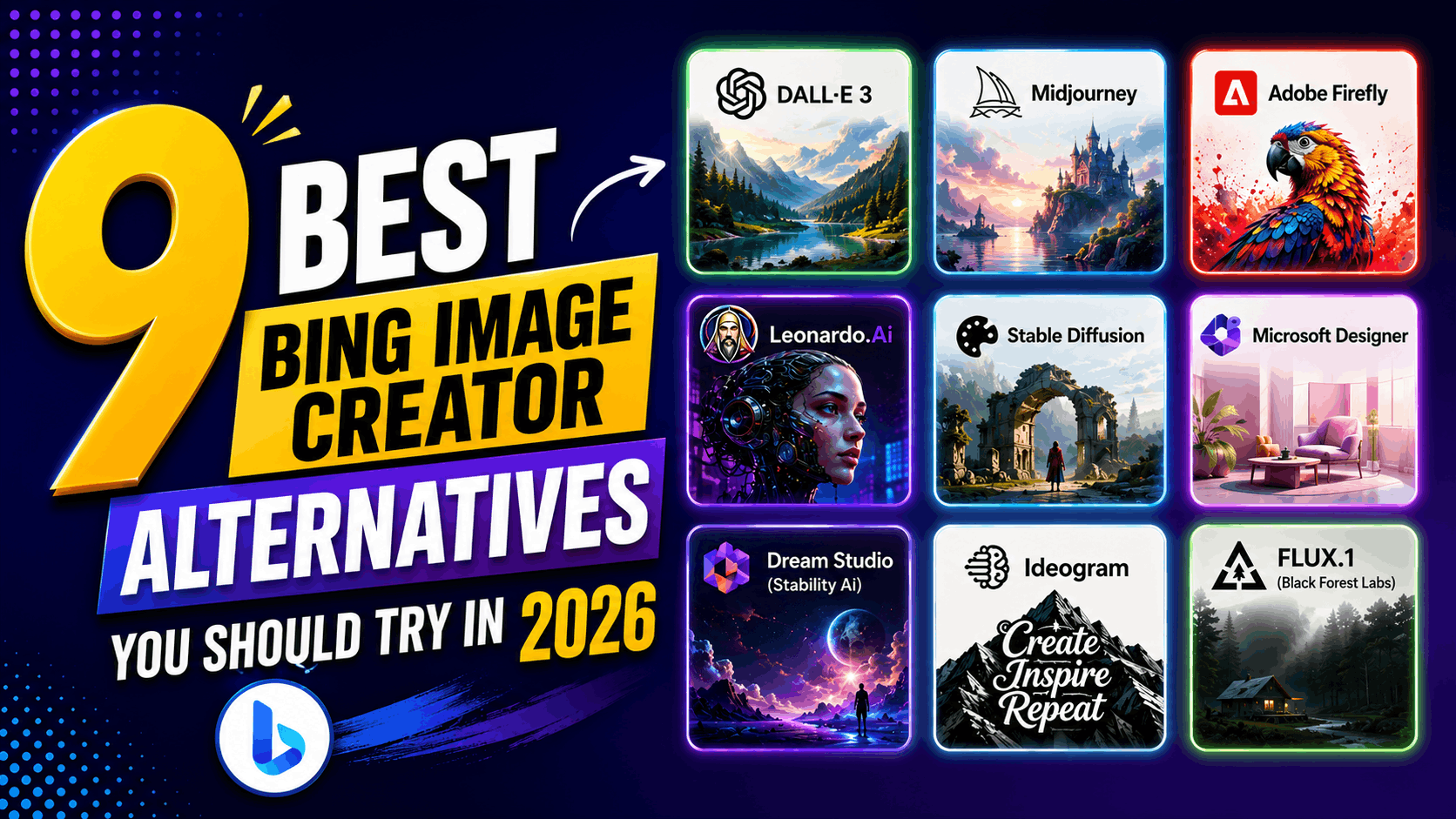
Bing Image Creator is a popular tool for generating images from text prompts, but many of its users are now looking for alternatives with better customization, higher quality, and advanced features. While there is no doubt that Bing Image Creator is easy to use, other modern AI image generators now provide better artistic flexibility and professional editing capabilities.
But finding its best alternatives in this crowded market can be a challenge in itself. That’s why, to make things easier for you, below, I’ve shared some of the best Bing image creator alternatives that you’ll surely love.
DALL·E 3
DALL·E 3 is an advanced AI image generation model that is developed by OpenAI. It can convert your text descriptions into highly detailed visuals with improved accuracy. The model is designed to understand complex prompts and generate consistent results.
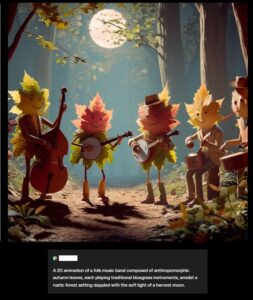
Not only that, but DALL·E 3 can also integrate seamlessly with ChatGPT, which makes it easier for you to refine prompts and adjust outputs. Not only that, but you can create illustrations, concept art, and marketing graphics quickly. It is suitable for both beginners and professionals, as DALL·E 3 offers balanced performance, combining ease of use with high-quality outputs.
What Makes DALL·E 3 Unique?
DALL·E 3 stands out because of its strong prompt understanding. It can accurately interpret your detailed descriptions. You can simply describe him in scenes naturally without technical formatting. At last, its integration with ChatGPT also allows for easy prompt refinement.
Pros
- Strong prompt interpretation accuracy.
- Beginner-friendly workflow.
- High-quality image generation.
- Easy prompt refinement.
- Good for detailed scenes.
Cons
- Limited advanced customization.
- Requires platform access.
- Usage limits may apply.
- Not open-source.
- Editing features restricted.
Who is DALL·E 3 best suited for?
DALL·E 3 is best suited for those who want accurate results with simple prompts.
You may also like: Midjourney vs DALL·E: Best AI Image Generator
Midjourney
Midjourney is a powerful AI image generator that is known for producing artistic and visually striking images. It works primarily through Discord commands, allowing you to generate images from text prompts. Ideally, Midjourney excels in creative illustrations, concept art, and stylized imagery.
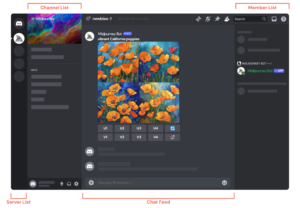
The platform is continuously improving its models, delivering enhanced detail and composition. Designers and artists often use Midjourney for unique branding visuals. Although it requires some prompt experimentation, the results you’ll get are highly impressive, as it focuses on creativity and aesthetic quality.
What Makes Midjourney Unique?
Midjourney’s uniqueness is in its artistic output. It generates visually appealing images with strong lighting and composition as it focuses on creativity rather than simple realism. At the same time, its active community also helps you discover new techniques.
Pros
- High-quality artistic images.
- Strong composition and styling.
- Active creative community.
- Frequent model improvements.
- Great for concept art.
Cons
- Requires Discord usage.
- Learning curve for prompts.
- No built-in editing tools.
- Paid subscription required.
- Limited fine control.
Who is Midjourney best suited for?
Midjourney is best suited for those who are looking for creative and stylized visuals.
Related article: Midjourney Review
Adobe Firefly
Adobe Firefly is an AI image generation tool that is developed by Adobe. It allows you to create images, text effects, and generative graphics using prompts. At the same time, Firefly can integrate seamlessly with Adobe Creative Cloud, enabling you to refine images in Photoshop or Illustrator.
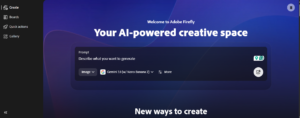
The platform focuses on commercially safe AI content trained on licensed data. It supports branding, marketing visuals, and design projects. The interface is user-friendly while offering professional capabilities.
What Makes Adobe Firefly Unique?
Adobe Firefly stands out because of its integration with professional design tools. With it, you can generate images and refine them in Adobe software. It also emphasizes commercially safe content, which makes it suitable for business use.
Pros
- Integration with Adobe tools.
- Commercially safe AI content.
- High-quality outputs.
- Generative fill editing.
- Beginner-friendly interface.
Cons
- Best within the Adobe ecosystem.
- Some features require a subscription.
- Limited standalone use.
- Learning curve for beginners.
- Slower updates.
Who is Adobe Firefly best suited for?
Adobe Firefly is best suited for those who are already using Adobe software and need commercially safe AI-generated images.
Leonardo.Ai
Leonardo.Ai is a flexible AI image generation platform that is specifically designed for artists and creators. It supports multiple AI models and customization options. With it, you can generate concept art, illustrations, and marketing visuals.
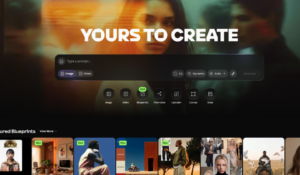
Leonardo.Ai also allows custom model training for consistent styles, and it includes batch generation and prompt controls. Its web-based interface is also beginner-friendly, which makes it accessible for everyone. Designers use Leonardo.Ai for character design and creative assets as the tool balances ease of use with advanced features.
What Makes Leonardo.Ai Unique?
Leonardo.Ai stands out for its customization options. With it, you can train custom AI models, which ensures consistent visual styles. The platform supports batch generation with multiple generation modes, which increases flexibility.
Pros
- Custom model training.
- Multiple generation modes.
- High-quality visuals.
- Batch generation support.
- Flexible style control.
Cons
- Limited free credits.
- Interface can feel complex.
- Requires account setup.
- Processing time varies.
- Learning curve for advanced features.
Who is Leonardo.Ai best suited for?
Leonardo.Ai is best suited for those who need consistent visual styles.
Stable Diffusion
Stable Diffusion is an open-source AI image generation model that is known for flexibility and control. You can generate images locally or through web interfaces, and it supports extensive customization, including models and parameters.

Stable Diffusion has a large community that provides plugins and enhancements. Designers and developers use it for detailed image creation as the model allows high-resolution outputs and custom workflows. Although setup may require technical knowledge, the level of control is unmatched.
What Makes Stable Diffusion Unique?
Stable Diffusion’s open-source nature makes it unique. With it, you can run it locally for privacy. The large community also makes sure that you get much-needed extensions, which allow deep customization. Unlike closed tools, Stable Diffusion offers full control, which makes it popular among advanced users.
Pros
- Open-source flexibility.
- Can run locally.
- Extensive customization.
- Large community support.
- Free self-hosted option.
Cons
- Technical setup required.
- High hardware requirements.
- Learning curve for beginners.
- Interface varies.
- Results depend on the model.
Who is Stable Diffusion best suited for?
Stable Diffusion is best suited for those who need full control over image generation.
Microsoft Designer
Microsoft Designer is an AI-powered design platform that is developed by Microsoft. It can help you create visuals, social media graphics, and marketing content using text prompts. The tool combines AI image generation with ready-made templates, so you can quickly turn ideas into polished designs without advanced skills.
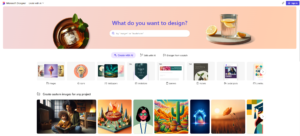
At the same time, Microsoft Designer can also integrate well with other Microsoft services, which can improve workflow efficiency. It offers background removal, layout suggestions, and automatic styling. Microsoft Designer is a strong alternative to Bing for those who want AI-generated images along with simple design tools in one platform.
What Makes Microsoft Designer Unique?
Microsoft Designer stands out for combining AI image generation with ready-to-use templates. With it, you can generate visuals and instantly convert them into social media posts. The platform also provides layout suggestions and styling options. Integration with Microsoft tools also improves its workflow convenience.
Pros
- Beginner-friendly interface.
- Built-in design templates.
- AI image generation included.
- Quick social media creation.
- Microsoft ecosystem integration.
Cons
- Limited advanced editing controls.
- Requires a Microsoft account.
- Fewer customization options.
- Not ideal for detailed artwork.
- Some features are still evolving.
Who is Microsoft Designer best suited for?
Microsoft Designer is best suited for those who are aiming at creating social media graphics quickly.
People also like: Best Free Graphic Design Tools
Dream Studio (Stability AI)
DreamStudio is the official web interface for generating images using Stable Diffusion models. It allows you to create AI-generated visuals with customizable settings. It offers control over style, resolution, and prompt strength.
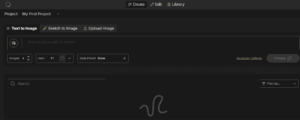
The platform is simple yet powerful, as you can experiment with different creative outputs. It runs directly in the browser, so no installation is required. When it comes to pricing, its credit-based pricing system also allows controlled usage.
What Makes DreamStudio Unique?
DreamStudio stands out as the official Stable Diffusion interface. With it, you can adjust parameters like style and resolution. Not to forget that it offers more control than basic AI generators.
Pros
- Official Stable Diffusion access.
- Adjustable generation settings.
- Browser-based usage.
- Flexible credit system.
- High-quality outputs.
Cons
- Credits required for usage.
- Limited free generation.
- Interface basic compared to others.
- Learning curve for settings.
- Fewer built-in editing tools.
Who is DreamStudio best suited for?
Dream Studio is best suited for creators who want customization and exploring Stable Diffusion without installing software.
Ideogram
Ideogram is an AI image generation platform that is known for strong text rendering capabilities. It allows you to create images with readable typography. Designers often use Ideogram for posters, logos, and branding visuals, as the platform supports creative styles and quick generation.
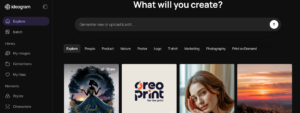
Ideogram’s interface is also simple and easy to understand, as it focuses on combining text and visuals effectively. The tool continues to improve its models and is considered a good alternative for those needing AI-generated visuals with clear text elements.
What Makes Ideogram Unique?
Ideogram’s main strength is accurate text generation within images. Many AI tools struggle with readable typography, but Ideogram solves this problem. With it, you can create posters, logos, and banners easily, as it balances visuals with typography.
Pros
- Strong text rendering.
- Good for posters and logos.
- Simple interface.
- Fast image generation.
- Creative style options.
Cons
- Limited advanced controls.
- Fewer editing features.
- Style customization limited.
- Not ideal for realism.
- Smaller ecosystem.
Who is Ideogram best suited for?
Ideogram is best suited for those who need AI-generated posters, banners, or branding graphics with readable typography.
FLUX.1 (Black Forest Labs)
FLUX.1 is a modern AI image generation model that Black Forest Labs developed. It focuses on producing highly detailed and realistic images. The model supports advanced prompt understanding and style control, which ensures that it delivers strong composition and clarity.
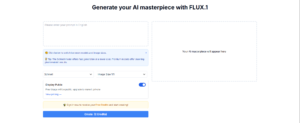
You can create illustrations, concept art, and marketing graphics with it. The platform emphasizes high-quality outputs, and designers ideally use FLUX.1 for professional visuals. Not to forget that although it is relatively new in the market, it is gaining popularity very quickly.
What Makes FLUX.1 Unique?
FLUX.1 stands out for its high-quality outputs and strong prompt accuracy. It produces detailed images with improved clarity as it focuses on realism and composition.
Pros
- High-quality visuals.
- Strong prompt accuracy.
- Realistic image generation.
- Modern AI architecture.
- Good composition results.
Cons
- Newer platform with fewer ratings.
- Limited ecosystem.
- Fewer integrations.
- Feature availability varies.
- Learning curve for best results.
Who is FLUX.1 best suited for?
FLUX.1 is best suited for those who need high-quality, realistic visuals.
Conclusion
Choosing the right alternative to Bing Image Creator depends on your needs. That’s why, above, I’ve shared tools tailored to all workflows; some tools focus on simplicity, while others offer advanced controls. Each tool offers unique strengths and weaknesses, which are important for you to consider when choosing the tool.
Ultimately, the best choice depends on your workflow, experience level, and design goals. Exploring different platforms can help you find the right balance between quality, customization, and ease of use.
FAQ’s
- What is the best alternative to Bing Image Creator?
The best alternative depends on your needs. All the tools mentioned above are considered the best in the industry to replace Bing Image Creator.
- Which AI image generator is best for beginners?
Microsoft Designer and Playground AI are good options for quick image creation.
- Which tool is best for realistic images?
For realistic outputs, models like FLUX.1 and DreamStudio can be better.
- Are these Bing Image Creator alternatives free?
While most are paid, they do have a freemium plan, so you can start for free.
- Which tool is best for text-based images?
Ideogram is widely used for generating images with readable text.