Now Reading: Trello vs Asana: Which Project Tool Wins?
-
01
Trello vs Asana: Which Project Tool Wins?

There is no doubt that project management tools can help you and your team to stay organized and work better together. Because as businesses grow, managing tasks through emails or spreadsheets becomes confusing and time-consuming. This is where modern project management platforms step in.
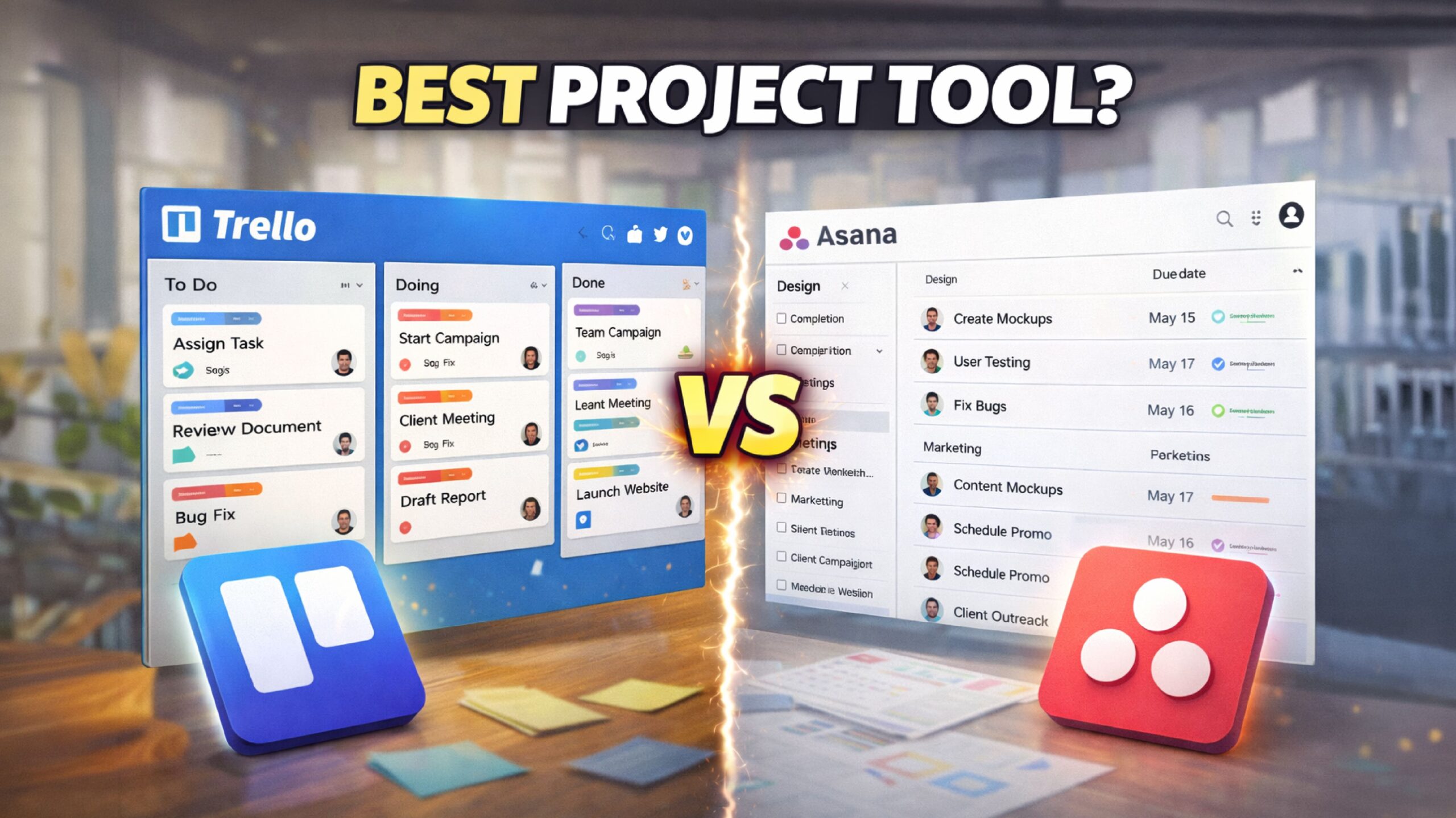
Among the most popular options in the industry today are Trello and Asana. Both tools are designed to improve workflow, team coordination, and productivity, but they both have their own strengths and weaknesses, and understanding them is key to choosing the right tool.
That’s why, in this guide, we’ll share with you everything you need to know about Trello and Asana, so that you can easily choose which tool you should opt for.
What is Trello
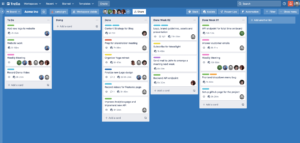
Trello is a visual project management tool that is built around boards, lists, and cards. It allows you to organize your tasks in a simple, drag-and-drop layout that is easy to understand, even for complete beginners.
Each board represents a project, lists show different workflow stages, and cards contain individual tasks with details like due dates, attachments, and checklists. Trello is perfect for those who want a clear overview of their work. Its clean dashboard also makes task tracking fast without any confusion.
Not only that, but the platform also supports automation through built-in rules, which can help you and your team to save time on repetitive actions.
What is Asana
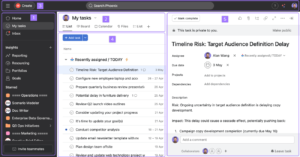
Asana is a powerful work management platform that is designed for those who are handling complex projects. It can help you plan, track, and manage work across multiple teams in one structured system.
Unlike visual-only tools, Asana can offer multiple views such as lists, timelines, boards, and calendars, which can give you more control over how you manage your tasks. You can also set priorities, milestones, and progress tracking on each task, which can make it even more convenient for you to manage the project, even if it’s time-consuming.
That’s why Asana is commonly used by marketing teams, product managers, and operations teams that need detailed planning and accountability from the get-go.
Top Features & Benefits of Trello
Visual Boards and Cards for Easy Task Tracking
Trello’s biggest strength is its visual board and card system, which makes task management simple and transparent. In Trello, each project will be displayed as a board, while tasks can move across lists that represent workflow stages such as “To Do,” “In Progress,” and “Completed.”
This layout can help you and your team to instantly see project status without opening multiple pages. Not only that, but these cards can also include descriptions, checklists, due dates, labels, and file attachments, which can help keep everything in one place.
Not to forget that the platform comes with a drag-and-drop feature that can make updates quick and intuitive. This clarity can improve focus and help teams stay aligned on priorities all the time.
Simple Collaboration and Team Communication
Trello makes team collaboration easy by keeping conversations directly attached to tasks. Team members can comment on cards, mention colleagues, and share files without switching tools. And with notifications, the platform ensures that everyone stays updated on changes made to the project.
This approach can reduce long email threads and scattered communication. At the same time, you can also manage permissions and control who can view or edit the boards, which makes it suitable for both internal teams and external collaborators.
Flexible Workflows for Any Project Type
One of Trello’s key benefits is its flexibility. You can customize your board and lists to match the exact workflow, whether you are managing content, software development, sales pipelines, or personal tasks. There are no strict rules on how boards must be structured, which allows you to adapt Trello to your needs.
Along with that, labels, due dates, and custom fields can add further organization without any complexity. This flexibility makes Trello suitable for a wide range of use cases, especially for teams that want to make their own workflow.
Built-In Automation with Butler
Trello includes an automation tool called Butler that can help you reduce manual work. You can create rules, triggers, and scheduled actions without any coding. For example, cards can be automatically moved when marked complete, or your team members can be assigned when tasks enter a specific list.
This automation can improve output efficiency by handling repetitive actions in the background. This feature is especially useful for those teams that are managing recurring tasks or high volumes of cards.
Easy Integrations and Accessibility
Trello integrates seamlessly with many popular tools such as Slack, Google Drive, Dropbox, and Jira, which makes it easy for you to connect existing workflows. These integrations also allow teams to share files, track updates, and manage tasks from one central place.
Not to forget that Trello is also cloud-based and accessible on web, desktop, and mobile apps, which enables you to work from anywhere.
Top Features & Benefits of Asana
Advanced Task Management and Dependencies
Asana offers detailed task management features that are designed for complex projects. Tasks can include priorities, due dates, assignees, subtasks, and dependencies. Among them, dependencies is a unique feature that can help you understand which tasks must be completed before others can begin, which can reduce delays and confusion.
This structure also improves planning accuracy and can keep projects moving smoothly. Not only that, but with that, managers can also gain better visibility into bottlenecks and workload distribution.
Multiple Project Views for Better Planning
Asana provides multiple ways to view projects, including list view, board view, timeline, and calendar. This flexibility allows you to choose the layout that best fits your working style. Among them, the timeline view is especially helpful for planning long-term projects and visualizing deadlines.
While calendar view can help you track upcoming tasks and milestones. These different perspectives can significantly improve decision-making and allow you to adjust your plans quickly.
Strong Team Collaboration and Accountability
Asana focuses heavily on clear ownership and accountability. Every task has an assigned owner, due date, and status, which can make responsibilities clear among the team. Along with that, built-in comments, mentions, and file sharing can also keep discussions organized and relevant.
On the other hand, progress tracking features can help managers see what is on track and what needs more attention in the project. This structured collaboration reduces confusion and improves team alignment.
Goal Tracking and Progress Reporting
One of Asana’s standout features is goal tracking. You and your team can set clear objectives, link tasks to goals, and monitor progress in real time. This can help align daily work with larger business outcomes.
On the other hand, reporting tools can provide insights into project health, workload, and completion rates. Managers can also use these reports to make informed decisions and improve the efficiency of the whole team.
Powerful Integrations and Scalability
Asana integrates seamlessly with a wide range of tools, including Slack, Microsoft Teams, Google Workspace, and Salesforce. These integrations can help you centralize work and reduce context switching.
As organizations grow, Asana can scale easily with advanced features for enterprise-level management, security, and reporting. It also supports large teams, multiple projects, and cross-department collaboration without losing structure.
Pros and Cons of Trello
Pros
Simple and beginner-friendly interface: Trello’s clean, card-based layout is extremely easy to understand, which can allow even beginners to start managing tasks immediately without any prior training.
Highly visual task management: Trello’s board and card system can give you a clear visual overview of tasks, progress, and priorities, which makes it easy to track work status.
Fast setup with minimal configuration: Projects on Trello can be created in minutes without complex settings, workflows, or dependencies, which makes it ideal for quick project launches and lightweight task management.
Flexible for many use cases: Trello can adapt well to personal tasks, content planning, marketing workflows, and simple project tracking without forcing ready-made structures on users.
Useful free plan for basic needs: The free version of Trello offers enough features for freelancers and small teams, which include boards, cards, and basic automation for everyday project requirements.
Cons
Limited advanced project management tools: Trello lacks built-in features like task dependencies, workload management, and detailed timelines, which makes it unsuitable for complex, multi-layered projects.
Not ideal for large teams: As your board on Trello grows with many users and tasks, it can become cluttered and difficult to manage, which can reduce clarity and overall productivity.
Basic reporting and analytics: Trello provides minimal reporting features, which makes it hard for managers to track performance and project progress in detail.
Automation is restricted on free plans: Advanced automation, rules, and workflow controls on Trello require paid upgrades, which can limit efficiency for teams relying on automation-heavy processes on the free plan.
Scaling projects becomes difficult: As your project expands, Trello’s flat structure can struggle to support complex workflows, which often lead teams to migrate to more advanced tools.
Pros and Cons of Asana
Pros
Powerful project and task management: Asana offers advanced tools for task assignments, dependencies, timelines, and milestones, which makes it ideal for those who are managing complex projects.
Excellent for large teams: Asana’s built-in collaboration features can help large teams to coordinate efficiently, ensuring accountability, clarity, and alignment across departments and projects.
Multiple project views: On Asana, you can switch between list, board, calendar, and timeline views, which can help you manage work in a way that best fits your workflow.
Strong reporting and tracking features: Asana provides detailed reports, dashboards, and progress tracking tools that can especially help managers to monitor performance and overall project health.
Scales well as teams grow: Asana is designed to handle growing teams and complex operations, which makes it suitable for long-term project planning.
Cons
Steeper learning curve for new users: Because of its advanced features and options, new users may feel overwhelmed initially and require time to fully understand the platform.
Advanced features require paid plans: Many powerful tools in Asana, like timelines, reporting, and automation, are locked behind premium plans, which can increase cost for growing teams.
Interface can feel complex: With many features in Asana visible at once, the interface may feel cluttered for those who prefer simpler, distraction-free task management tools.
Setup takes more time: On Asana, creating workflows, dependencies, and structured projects requires more initial setup compared to Trello.
Overkill for small projects: For personal tasks or very small teams, Asana may feel too complex and heavy compared to Trello.
Trello vs Asana: Which is Better?
Trello is best for those who want a simple and fast way to manage tasks. It works well for freelancers, small teams, and basic projects where ease of use matters most.
Asana, on the other hand, is built for structured project management. It handles complex workflows, deadlines, and team collaboration more effectively. In simple terms, if your work involves multiple teams, detailed tracking, and long-term planning, Asana can be better for you.
Conclusion
Both Trello and Asana are strong project management tools, but they both serve different purposes, and understanding those purposes is important for you to choose the right tool.
It’s also worth keeping in mind that there is no one-size-fits-all; one platform might work well for others, but not for you, and it’s completely okay. Choosing the right tool depends on your workflow style, team size, and long-term project goals.
FAQ’s
- Is Trello good for small teams?
Yes, Trello is ideal for small teams and simple projects.
- Is Asana suitable for beginners?
Asana can be used by beginners, but it can be a bit tricky to understand at first.
- Can Trello handle complex projects?
Trello can feel limited when managing complex or large-scale projects.
- Does Asana offer a free plan?
Yes, Asana has a free plan with basic features.
- Which tool is better for long-term projects?
Asana is better for long-term and detailed project management.