Now Reading: Top Figma Alternatives for UI/UX Designers
-
01
Top Figma Alternatives for UI/UX Designers

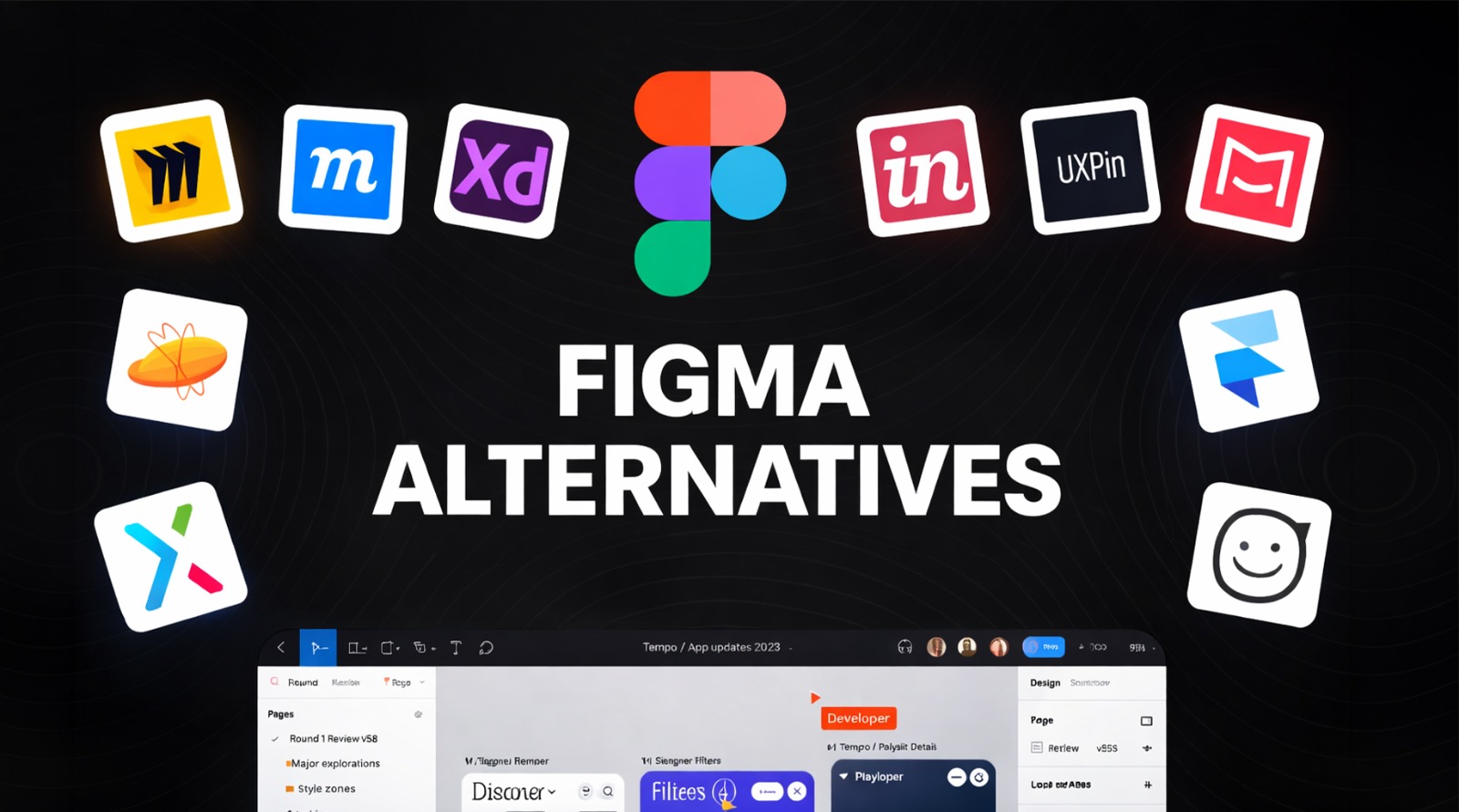
There is no doubt that UI/UX design tools play a crucial role in how modern websites and apps are planned and designed. And among them, Figma is a name that is popular because of its cloud-based workflow and strong collaboration features.
However, it is not always the perfect fit for every designer. Pricing, workflow preferences, offline needs, and other advanced prototyping requirements often push a lot of designers and teams to look for Figma alternatives.
But finding the best Figma alternative in this crowded market can be challenging. If you are also finding it challenging, then don’t worry, because in this guide, we’ll share with you some of the best Figma alternatives that are available in the market, so you can easily choose what best fits your needs.
What is Figma
In simple terms, Figma is a cloud-based UI/UX design and prototyping tool that is widely used by designers and product teams. It allows you to create interfaces, wireframes, and interactive prototypes directly in the browser or a desktop app.
One of Figma’s biggest strengths is real-time collaboration, where multiple team members can design, comment, and edit the design at the same time, which makes it ideal for remote teams. Not only that, but Figma also supports reusable components and smooth developer handoff. With plugins and integrations, you can also expand its functionality easily.
Penpot
Penpot is an open-source UI/UX design tool that is built for designers and developers who value flexibility and transparency. Unlike many proprietary tools, Penpot allows full control over your files and workflows, which makes it popular among teams who prefer self-hosted solutions.
It supports vector design, components, and interactive prototypes while focusing strongly on collaboration. On top of that, Penpot is browser-based, so you and your team can work together in real time without heavy system requirements..
What Makes Penpot Unique?
Penpot stands out because it is fully open-source and web-based. As a designer, you can self-host it, control your data, and customize your workflows as you want. It uses open web standards like SVG and CSS, which can also be key for developers to understand the design easily.
Pros
- Open-source with full data ownership.
- Strong collaboration features.
- Uses web-friendly formats like SVG.
- Works directly in the browser.
- Free for most core features.
Cons
- Smaller plugin ecosystem.
- Limited advanced animations.
- UI feels basic to some users.
- Fewer templates than competitors.
- Learning curve for beginners.
Who is Penpot best suited for?
Penpot is best for open-source lovers and those who want full control over files without any third-party locking in.
Sketch
Sketch is a macOS-based design tool that has been a favorite among UI designers for many years. It especially focuses on vector-based interface design and offers a clean, distraction-free workspace.
The platform is also known for its powerful symbols, shared styles, and strong design system support. Although it does not run in browsers like Figma, it offers cloud collaboration through Sketch Cloud. Lastly, many designers still prefer Sketch because of it’s lightning fast speed, stability, and mature design features.
What Makes Sketch Unique?
Sketch is optimized specifically for macOS, which allows smooth performance and deep system integration. Along with that, its symbol and style system is very strong, which makes it easy to manage large design systems.
Pros
- Clean and fast macOS experience.
- Strong symbols and styles system.
- Large plugin marketplace.
- Reliable performance for big files.
- Trusted by long-time designers.
Cons
- macOS only.
- Limited real-time collaboration.
- Separate tools are needed for prototyping.
- Paid subscription required.
- Not browser-based.
Who is Sketch best suited for?
Sketch is best for macOS users who focus mainly on UI design and prefer local files with strong design system control.
Framer
Framer is a modern design tool that combines UI design with interactive prototyping and animations. It allows you to create high-fidelity designs that can behave almost like real products.
The platform supports advanced interactions, transitions, and responsive layouts, and also integrates closely with web technologies, which makes it popular among those designers who are working on interactive products.
What Makes Framer Unique?
Framer stands out for its powerful animation and interaction capabilities. As a designer, you can build realistic prototypes with logic and motion. It also bridges the gap between design and live websites using React-based components.
Pros
- Advanced animations and interactions.
- Responsive design support.
- Strong prototyping features.
- Modern interface.
- Great for interactive projects.
Cons
- Can be complex to understand for beginners.
- Limited free plan.
- Less traditional UI focus.
- Smaller design system tools.
- Not ideal for beginners.
Who is Framer best suited for?
Framer is ideal for designers who want motion-rich prototypes and interactive experiences.
UXPin
UXPin is a design and prototyping tool that is focused on advanced interactions and logic-based prototypes. It allows you to create realistic user flows with conditions, variables, and states.
Not only that, but this platform also supports design systems and collaboration, which makes it suitable for enterprise teams. And if we talk about its strength, then it has to be it’s prototyping feature, where you can create complex product behavior rather than just static layouts.
What Makes UXPin Unique?
UXPin’s uniqueness is in its logic-driven prototyping with conditions and variables. It means you can simulate real product behavior before development.
Pros
- Advanced prototyping logic.
- Strong collaboration tools.
- Supports design systems.
- React component integration.
- Good for complex products.
Cons
- Higher pricing.
- Interface feels complex.
- Learning curve is steep.
- Overkill for simple designs.
- Limited free usage.
Who is UXPin best suited for?
UXPin is best for complex product designers who want realistic testing and detailed interactions with the product before development.
Lunacy
Lunacy is a free UI/UX design tool that is developed by Icons8. It works offline and supports full design workflows including vector editing, components, and prototyping.
It is available on Windows, macOS, and Linux, which makes it accessible to a wide range of users. At the same time it also includes built-in assets like icons and photos.
What Makes Lunacy Unique?
Lunacy stands out for its offline support and built-in design assets. As a designer you can work without internet access while still enjoying a complete UI design tool. Its cross-platform support is another major advantage, which often goes unnoticed.
Pros
- Completely free to use.
- Works offline.
- Cross-platform support.
- Built-in icons and assets.
- Lightweight and fast.
Cons
- Limited collaboration features.
- Smaller community.
- Basic prototyping tools.
- Fewer integrations.
- UI feels less polished.
Who is Lunacy best suited for?
Lunacy is best for those who need a free, offline-capable alternative to Figma.
Adobe XD
Adobe XD needs no introduction, as it is a UI/UX design and prototyping tool that can integrate perfectly with the Adobe Creative Cloud. It allows you, as a designer, to create wireframes, high-fidelity designs, and interactive prototypes in one place.
The platform also supports voice prototyping, auto-animate, and easy sharing with stakeholders, which is why it is commonly used by designers who are already working in the Adobe ecosystem..
What Makes Adobe XD Unique?
Adobe XD stands out because of its tight integration with Photoshop and Illustrator. As a designer, you can easily import your work and maintain a smooth workflow.
Pros
- Strong Adobe integration.
- Easy prototyping features.
- Clean interface.
- Good asset management.
- Familiar to Adobe users.
Cons
- Development has slowed.
- Limited collaboration features.
- Fewer updates recently.
- The plugin ecosystem is smaller.
- Less community buzz.
Who is Adobe XD best suited for?
Adobe XD is best for those designers who are already using Adobe Creative Cloud.
InVision
InVision is a well-known digital product design platform that focuses on prototyping, collaboration, and design feedback. It allows you to turn static screens into clickable prototypes that feel close to real products. It is often used to share designs with stakeholders, collect comments, and manage approvals in one place.
The platform also supports design system management through InVision DSM, which can help you keep the important components and styles consistent. While it no longer competes directly with full UI design tools like Figma, it can still play a strong role in presentation, collaboration, and workflow alignment.
What Makes InVision Unique?
InVision’s strength is in its design collaboration and feedback. It makes sharing prototypes easy and allows stakeholders to comment directly on screens.
Pros
- Easy-to-share interactive prototypes.
- Strong commenting and feedback tools.
- Good design system management.
- Integrates with many design tools.
- Clean interface for presentations.
Cons
- Not a full design tool.
- Limited advanced prototyping.
- Depends on other design software.
- Slower innovation in recent years.
- Pricing can feel high.
Who is InVision best suited for?
InVision is best for teams that need strong design feedback and presentation tools.
Miro
Miro is a visual collaboration platform that is designed for brainstorming, planning, and early-stage design thinking. Instead of focusing on detailed UI design, Miro works best at whiteboarding, user flows, wireframes, and team workshops.
Designers mainly use Miro to map ideas, customer journeys, and product strategies before moving into detailed UI tools. At the same time, its real-time collaboration also makes it popular among remote teams.
What Makes Miro Unique?
Miro stands out as a digital whiteboard that is built for teamwork. It supports sticky notes, diagrams, wireframes, and flows in one infinite canvas, which makes it perfect for ideation, research, and early UX planning.
Pros
- Excellent real-time collaboration.
- Infinite canvas for ideas.
- Great for workshops and planning.
- Easy to learn and use.
- Strong integrations.
Cons
- Not a full UI design tool.
- Limited high-fidelity design.
- Can feel cluttered.
- Performance issues on large boards.
- Paid plans needed for teams.
Who is Miro best suited for?
Miro is best for UX designers, product teams, and facilitators who are looking for a product for brainstorming, research, and early design stages before moving to detailed UI design tools.
Axure RP
Axure RP is a powerful UX design and prototyping tool that is known for advanced interactions and logic-based prototypes. It allows you to build realistic simulations using conditions, variables, and dynamic content.
Not only that, but Axure is often used for complex enterprise applications where detailed user flows and behavior testing are non-negotiable. While its interface is less visual than modern tools, its functionality is very deep, which is why many experienced dsigners loves that platform.
What Makes Axure RP Unique?
Axure RP is unique because of its advanced logic and interaction system. As a designer, you can create prototypes that can behave like real software, which makes it ideal for usability testing and complex product validation.
Pros
- Advanced logic-based prototyping.
- Highly realistic interactions.
- Strong documentation tools.
- Good for enterprise projects.
- Detailed UX testing support.
Cons
- Complex to understand.
- Interface feels outdated.
- Not ideal for visual design.
- Higher cost.
- Slower workflow for small teams.
Who is Axure RP best suited for?
Axure RP is best for experienced UX designers and enterprise teams that are looking for interaction logic, complex workflows, and detailed usability testing.
Conclusion
Choosing the right Figma alternative significantly depends on your design goals, team size, and workflow needs. While there is no doubt that Figma is still a strong all-in-one tool, many alternatives can be better
if you are looking for specific features.
However, before choosing any tool, you should know it’s strengths and weaknesses, because there is no one-size-fits-all tool. That’s why, for all the tools we’ve shared above, we’ve added a pros and cons section so that you can be sure whether that tool can be best for you or not.
FAQ’s
- Are Figma alternatives free to use?
A lot of these tools do offer a free plan with an option to upgrade.
- Which Figma alternative is best for collaboration?
Miro and InVision are strong choices for this.
- What is the best tool for advanced prototyping?
Axure RP and UXPin are best for complex, logic-based prototypes.
- Can beginners use Figma alternatives easily?
Yes, tools like Moqups and Lunacy are beginner-friendly and easy to learn.
- Should I switch from Figma to another tool?
Only if your workflow, budget, or project needs are better supported by another tool.