

Now Reading: Best Canva Alternatives (Free & Paid)
-
01
Best Canva Alternatives (Free & Paid)

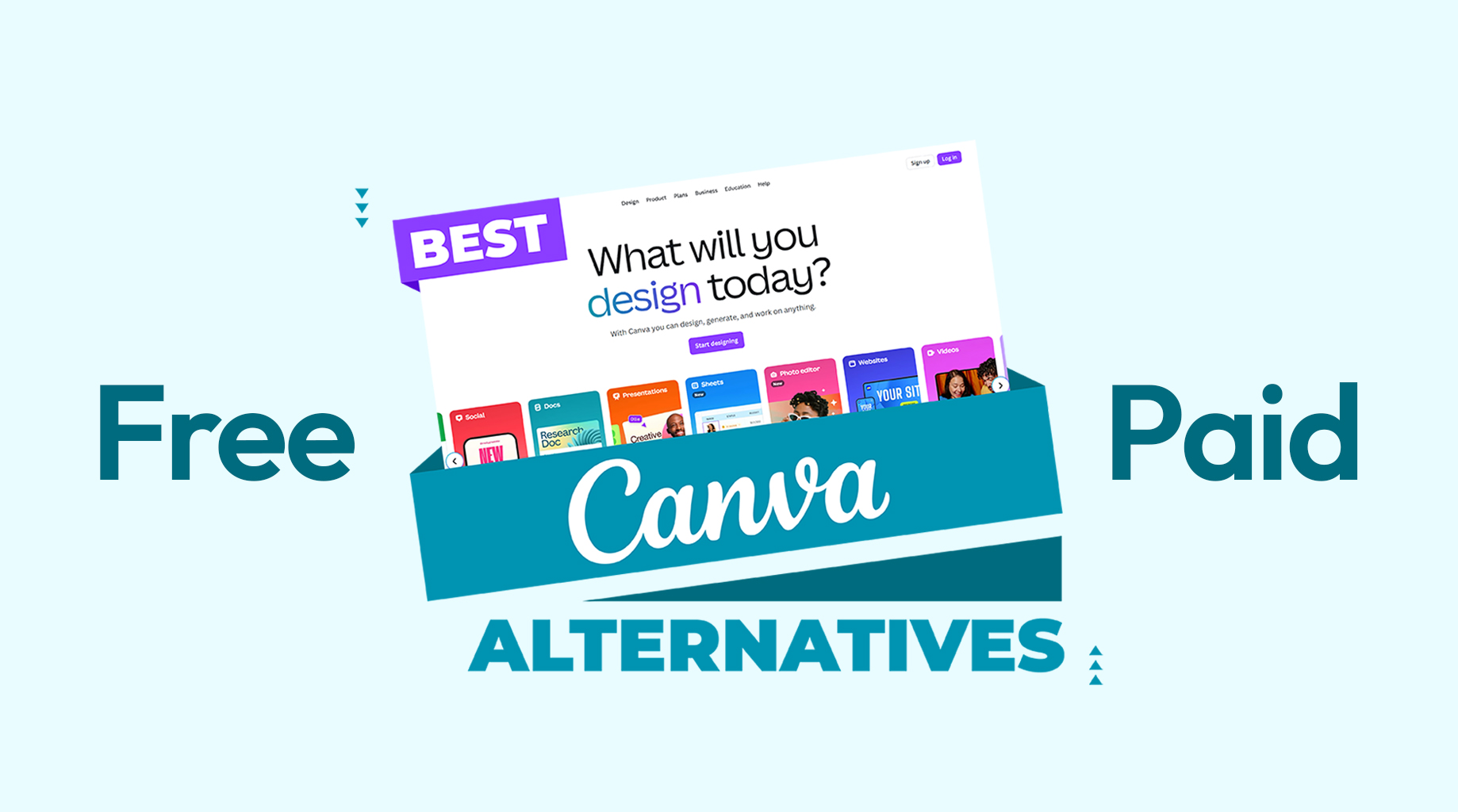
There is no doubt that Canva has become one of the most widely used design tools because it makes visual creation simple for everyone. From social media posts and presentations to marketing banners and documents, Canva’s convenience and ease of use put the brand in a league of its own. However, over the years, for various reasons, people have started looking for alternatives that offer better customization, advanced features, and different pricing models.
But finding a tool with as many resources as Canva requires serious effort, which can be overwhelming for many. If you are also one of those, then don’t worry, because in this guide, we will share some of the best Canva alternatives you can use to replace the undisputed king of designing tools.
What is Canva, and why is it popular?
Canva is a cloud-based graphic design platform that allows you to create visuals using pre-designed templates and a drag-and-drop editor. It is widely used for social media graphics, presentations, posters, resumes, and basic marketing materials. Canva’s popularity comes from its simplicity, as you can simply choose a template, customize it, and download designs within minutes.
Another reason for Canva’s success is accessibility. It works directly in the browser, comes up with a solid free plan, and does not require any design experience to make high-quality designs. It also includes stock photos, icons, fonts, and basic animation tools, which overall as a whole reduces the need for jumping from one platform to another.
Visme
Visme is a visual content creation platform that mainly focuses on presentations, infographics, reports, and graphics. Unlike Canva, which is general-purpose, Visme is ideally designed for business communication and professional storytelling. It allows you to combine visuals, charts, and other elements in one piece of content.
It is no wonder that Visme is widely used by marketers, educators, and corporate teams who need more than simple social media designs. While it requires slight learning to use it properly, unlike Canva, which is easy to use for beginners, Visme is best suited for professional use cases.
What Makes Visme Unique?
Visme stands out for its strong focus on data visualization content. You can create charts, graphs, and animated visuals that can enhance user interaction. This makes it ideal for presentations and reports where you need to explain complex information clearly.
Pros
- Strong tools for infographics and data visualization.
- Interactive elements for presentations and reports.
- Professional templates for business use.
- Branding controls for teams.
Cons
- Requires slight learning to understand it fully.
- Limited casual design templates.
- The interface can feel complex for beginners.
- Some features are locked behind paid plans.
- Not ideal for quick social media graphics
Who is Visme best for?
Ideally, Visme is best for business professionals who create presentations, reports, and infographics. As a whole, if you need structured, data-driven visuals rather than fast social media designs, Visme can be a strong Canva alternative.
Snappa
Snappa is a lightweight graphic design tool that is created mainly for social media and online marketing use. It focuses on speed and simplicity, and allows you to create graphics quickly without requiring to understand complex features. Snappa comes up with pre-sized templates for social platforms, ads, and blog images.
Compared to Canva, Snappa offers fewer features but a cleaner and more focused experience, which makes it closer to Canva.
What Makes Snappa Unique?
Snappa’s biggest strength is speed. The platform removes unnecessary complexity and focuses on fast graphic creation. With pre-sized templates and a simple editor, you can create designs in minutes. Keep in mind that It is ideally built for efficiency rather than creativity.
Pros
- Very easy to use.
- Fast design workflow.
- Pre-sized templates for platforms.
- Clean and simple interface.
- Good for quick marketing visuals.
Cons
- Limited customization options.
- Fewer templates than Canva.
- Not suitable for advanced design.
- Basic animation support.
- Less flexible branding tools.
Who is Snappa best for?
Ideally, because Snappa features less professional designs, it is best for bloggers, small business owners, and marketers who need quick social media and blog visuals.
Adobe Express (Adobe Spark)
Adobe Express is a simplified design tool from Adobe. It allows you to create social media posts, flyers, videos, and basic web graphics. Adobe Express integrates well with Adobe’s ecosystem, including Photoshop and Illustrator assets, which makes it ideal for those who are already working in Adobe’s ecosystem..
Compared to Canva, Adobe Express offers cleaner design output and better brand consistency, which big enterprises value the most.
What Makes Adobe Express Unique?
Adobe Express stands out because of seamless integration with Adobe’s ecosystem. You can access Adobe Fonts, stock assets, and brand kits easily. Overall, the platform focuses more on polished, professional-looking designs rather than decorative, beginner-friendly templates.
Pros
- Strong brand consistency tools.
- Adobe-quality fonts and assets.
- Clean and professional templates.
- Easy integration with Adobe tools.
- Simple interface.
Cons
- Fewer templates than Canva.
- Limited advanced editing features.
- Requires Adobe account.
- Less flexibility for creative layouts.
- Paid plan needed for full access.
Who is Adobe Express Best for?
Adobe Express is ideally best for large enterprises and marketers who are already using Adobe tools. It suits those who want professional branding and clean visual output.
Pixazo
Pixazo is a browser-based design tool that is focused on quick graphic creation and collaboration. It offers templates for social media posts, presentations, and marketing visuals. While not as popular as Canva, Pixazo is mainly used by those who want a simple design platform without feature overload. It is best if you need very basic visuals without investing in complex design software.
What Makes Pixazo Unique?
The platform allows you to create and share designs quickly without any deep learning about design and its own software. Its interface is simple, which makes it easy to understand for even non-designers.
Pros
- Simple and user-friendly interface.
- Supports team collaboration.
- Quick template-based design.
- Browser-based access.
- Low learning curve.
Cons
- Limited advanced features.
- Smaller template library.
- Not ideal for professional-level branding.
- Basic customization options.
- Less suitable for professional designers.
Who is Pixazo Best for?
Pixazo is best for those who need basic marketing or social media visuals. In short, if you are okay with limited advanced design requirements, Pixazo can suit you.
Pixir
Pixir is an online photo editing and design tool that is mainly focused on image enhancement and basic graphic creation. It offers tools for photo editing, filters, and simple layouts. Compared to Canva, Pixir is more like a photo editing software than a template-based design software. While it is not a full Canva replacement, it works well as a lightweight alternative for image-focused tasks that you might be doing with Canva.
What Makes Pixir Unique?
Pixir’s strength is in its photo editing capabilities. The platform offers tools for adjusting images, applying effects, and making quick enhancements.
Pros
- Strong photo editing tools.
- Easy image enhancements.
- Browser-based access.
- Easy to use for beginners.
- Lightweight platform.
Cons
- Limited design templates.
- Not suitable for layout-heavy designs.
- Basic text tools.
- Fewer branding options.
- Not ideal for marketing graphics.
Who is Pixir best for?
Pixir is best for those users who primarily want to edit photos rather than design layouts.
BeFunky
BeFunky is an online design and photo editing platform that combines basic graphic design with image enhancement tools. It offers templates, collage makers, and photo effects, which make it a unique alternative to Canva. Bin short, you can count BeFunky as a software, which possesses qualities of both Canva and a traditional photo editor.
It is no wonder that BeFunky is popular among those who want more image control than Canva but less complexity than professional software, all while having the features of making quality designs.
What Makes BeFunky Unique?
BeFunky stands out by combining graphic design and photo editing in one platform. You can edit images, apply effects, and then place them into your desired layouts for premium-looking visuals.
Pros
- Good balance of design and photo editing.
- Easy-to-use interface.
- Built-in collage maker.
- Creative effects and filters.
- Browser-based access.
Cons
- Limited advanced design tools.
- Smaller template selection.
- Branding features are basic.
- Free version has restrictions.
- Not ideal for large teams.
Who is BeFunky Best for?
BeFunky is best for those who want simple designs with photo editing capabilities. In short, if your aim is to create visuals for blogs, social media, and personal projects, BeFunky can be a solid choice.
Desygner
Desygner is an online design platform that is aimed at simplifying graphic creation for businesses and non-designers. It offers templates for social media, marketing materials, and print designs. Overall, Desygner positions itself as an easy-to-use alternative to Canva with added flexibility for editing and file handling.
One notable aspect of Desygner is its ability to edit PDFs and existing design files, which makes it useful for businesses that frequently update marketing materials.
What Makes Desygner Unique?
Desygner stands out because of its PDF editing and file compatibility features. You can upload, edit, and reuse existing design files easily. This is especially helpful if you are managing branded documents.
Pros
- PDF and document editing support.
- Easy learning curve.
- Suitable for print and digital designs.
- Team collaboration features.
- Affordable pricing options.
Cons
- Limited advanced design tools.
- Interface feels dated.
- Smaller template library.
- Slower performance at times.
- Less creative flexibility.
Who is Desygner Best for?
Overall, Desygner is best for those who frequently edit marketing documents and PDFs.
Glorify
Glorify is a design tool that is built specifically for e-Commerce visuals. It focuses on creating product images, promotional banners, and marketing creatives for online stores. Unlike Canva, which serves many use cases, Glorify is niche-focused and best known for its product marketing visuals.
Here, you will get tools for mockups and 3D-like effects, which are a must for e-commerce stores.
What Makes Glorify Unique?
Glorify’s uniqueness is in its eCommerce-first design approach. It provides tools that are tailored for product highlights and promotional graphics. This makes it different from Canva’s general-purpose design approach.
Pros
- Designed for eCommerce visuals.
- Product-focused templates.
- Simple drag-and-drop editor.
- Supports mockups and callouts.
- Good for promotional graphics.
Cons
- Limited use outside of e-Commerce.
- Fewer general design templates.
- Not suitable for infographics.
- Less flexible for branding.
- Smaller asset library.
Who is Glorify Best for?
Glorify is best for e-commerce sellers and online store owners. If you aim to make product visuals, promotional banners, and conversion-focused graphics, you can replace Canva with Glorify.
LS Graphics
LS Graphics is a design resource platform that offers high-quality mockups, illustrations, and UI assets. Unlike Canva, LS Graphics is not a drag-and-drop editor but a professional asset library. That’s why it is mainly used by designers who want premium visuals rather than vague templates. As a whole, LS Graphics focuses on quality and aesthetics over ease of use.
What Makes LS Graphics Unique?
LS Graphics is unique because it offers professional-looking designs instead of templates. You will get access to polished mockups and illustrations that can elevate visual quality.
Pros
- High-quality design assets.
- Professional-grade mockups.
- Clean and modern visuals.
- Saves design production time.
- Suitable for branding projects.
Cons
- Not a design editor.
- Requires design software.
- No drag-and-drop interface.
- Not beginner-friendly.
- Paid assets only.
Who is LS Graphics best for
LS Graphics is best for professional designers and agencies. It suits those who already use design software and want premium assets to enhance their visual projects.
Conclusion
While Canva is a strong design platform, just like every other platform, it is not best for every use case. As in 2026, design needs are becoming more specific, many individuals are looking for solid alternatives of Canva. By choosing a tool that aligns with your workflow, you can create better visuals without unnecessary complexity.
To help you out with that, above, we’ve shared some of the best Canva alternatives you can try to replace Canva with.
FAQ’s
- Are there free alternatives to Canva?
Yes, almost all the tools mentioned above, features a free plan.
- Which Canva alternative is best for business reports?
Visme and Piktochart are better suited for reports and data-driven visuals.
- What is the best Canva alternative for eCommerce?
Glorify is designed specifically for e-Commerce visuals.
- Which tool is best for photo editing?
Pixir can be a good choice for photo-focused editing tasks.
- Can professionals replace Canva with these tools?
Yes, depending on the use case, professionals can use the tool that best suits their needs.










Pingback: Canva vs Figma: Which Tool Is Better for Designers?