Now Reading: Canva vs Figma: Which Tool Is Better for Designers?
-
01
Canva vs Figma: Which Tool Is Better for Designers?

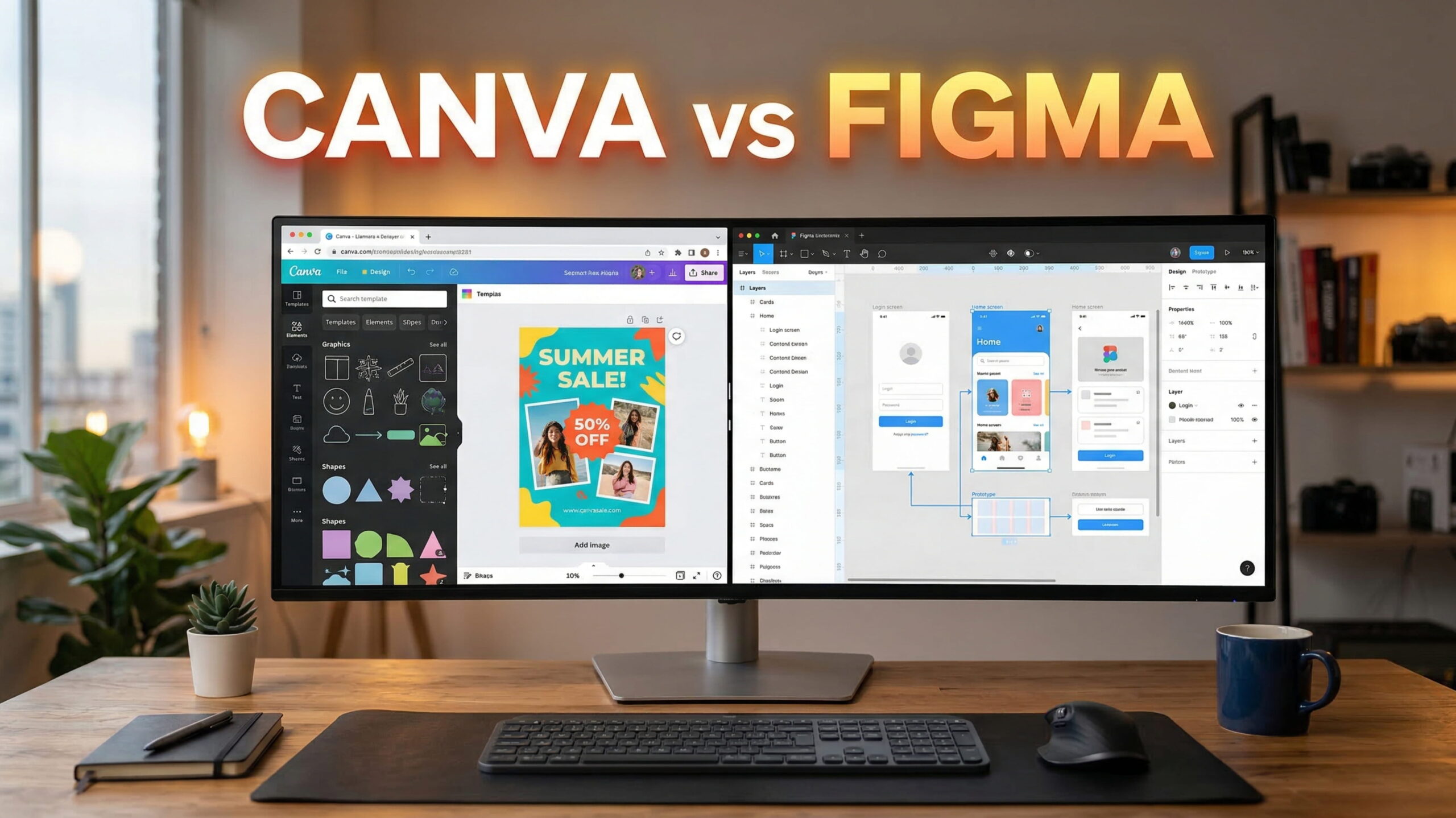
There is no doubt that design tools have changed the way designers create visual content. Back in the day, when the emphasis used to be on a powerful system, today, designers need platforms that are fast, flexible, and easy to collaborate on. And for that very purpose, tools like Canva and Figma stand out. If you want a deeper breakdown of Canva itself, you can also check our detailed Canva review. Both are popular among modern designers, but they both serve different types of users and design needs.
And if you are wondering which tool can suit your needs the best, then you are at the right place. In this guide, we’ll cover everything you need to know about Canva and Figma. At the end, you’ll be sure which platform you should prioritize for your design workflows.
What is Canva
In simple terms, Canva is a cloud-based graphic design tool that is made to make designing graphics simple for everyone. It allows you to create social media posts, presentations, posters, videos, and marketing materials without needing any advanced design skills.
Canva features a drag-and-drop system, which makes it easy to use even for complete beginners. It offers millions of ready-made templates, stock images, icons, fonts, and animations for your convenience. You can quickly customize the pre-made design by changing color, text, and layouts, and you can also make one from scratch.
Not only that, but Canva also supports basic team collaboration and allows multiple members of your team to comment or edit the graphic. And because it runs entirely in the browser and also has a mobile app, you can easily start using it from any device.
While Canva is not aimed at deep UI or product design, it is widely used by marketers, small businesses, and content creators who want fast, visually appealing graphics with minimal effort.
What is Figma
Figma is a professional design and prototyping tool that is mainly used for UI, UX, and product design. Unlike traditional design software, Figma runs directly in the browser and allows real-time collaboration between designers and developers. It means that multiple users can work on the same file at the same time, which makes taking feedback and iteration very fast.
Figma supports auto layout and interactive prototypes, which puts that platform in the advanced design tool category. You can create complete app or website interfaces and share them instantly for review.
It also integrates well with development workflows, which can help teams to hand off designs smoothly. While it can be tricky to understand for complete beginners, it offers deep control and flexibility for complex design projects.
Canva Top Features & Benefits
Easy Drag-and-Drop Design
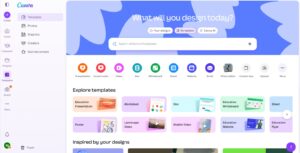
Canva’s biggest strength is its drag-and-drop editor, which means anyone can create designs quickly without any design knowledge. You can add text, images, icons, and elements with simple clicks. The interface is also clean and beginner-friendly, which can reduce the time needed to learn how to use Canva effectively.
All of that makes Canva ideal for fast content creation, especially when deadlines are tight. Even those with no design background can produce professional-looking visuals with ease.
Huge Template Library
Canva offers a massive library of templates for social media, presentations, flyers, resumes, ads, and more. These templates are professionally designed and optimized for different platforms. You can simply choose a template and customize it within minutes, which can save hours of design work.
This feature is especially useful for marketers and small businesses that don’t have a professional designer on their team. At the same time, these templates can also inspire designers to start from scratch.
Built-In Stock Assets
Canva includes access to a large collection of stock photos, videos, icons, illustrations, and background elements. Many assets are free, while premium options are available through Canva Pro. This feature removes the need to get stock assets from external stock websites, which can save time and effort.
All of these assets are licensed for use within the platform, which simplifies usage rights. Having everything in one place makes the design process even smoother and more efficient.
Quick Brand Consistency Tools
Canva can help you maintain brand consistency through brand kits. You can simply save brand colors, fonts, and logos and apply them across designs instantly.
This feature ensures that your designs stay aligned with brand identity, even when multiple team members are working on the project. For growing teams, this feature can help keep visuals professional and on-brand without constant supervision.
Cloud-Based Access and Sharing
Canva is fully cloud-based, which means all of your designs are saved online and accessible from any device. You can also share your designs with links, invite team members, and download files in various formats. This flexibility supports remote work and quick collaboration. With Canva, there is no need to download heavy software and manual file transfers.
If you’re exploring other similar tools, you can also look at some of the best Canva alternatives available today.
Figma Top Features & Benefits
Real-Time Collaboration
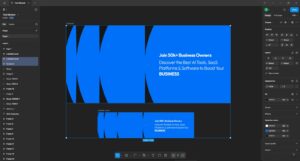
Figma’s real-time collaboration allows multiple users to design, comment, and edit simultaneously. Your team members can see changes instantly, which can significantly reduce delays and long feedback cycles. This feature is especially valuable for remote teams, as designers, developers, and clients can all work in one shared space.
It can also improve communication and speed up decision-making. Real-time collaboration on active projects is one of the key reasons modern product teams widely adopt Figma.
Advanced UI and UX Design Tools
Figma provides powerful tools for creating detailed user interfaces and experiences. Features like auto layout, constraints, and reusable components can help you build scalable designs. These tools allow precise control over spacing, alignment, and responsiveness.
At the same time, designers can maintain consistency across large projects using shared styles and components. This makes Figma suitable for complex applications and website designs where accuracy and structure are non-negotiable.
Interactive Prototyping
Figma allows designers to create interactive prototypes directly within the design file. You can link screens, add transitions, and simulate real user flows without exporting to another tool. This feature can help you test ideas early and gather feedback before development begins.
Not only that, but the prototypes can also be shared through links, which makes taking reviews for that prototype simple. This feature bridges the gap between design and development, which can help reduce misunderstandings and rework later in the process.
Design Systems and Components
Figma supports full design systems with shared components and libraries. You can create reusable elements like buttons, forms, and icons, and update them globally. This ensures consistency across all the products and saves time during revisions.
These design systems are especially useful for large teams that are working on long-term projects. Figma makes managing these systems straightforward and can help teams to scale their design processes efficiently.
Developer-Friendly Handoff
Figma simplifies design handoff by providing developers with inspection tools. You can view measurements, colors, fonts, and CSS-like properties directly in the file. This reduces back-and-forth communication and speeds up implementation.
Not only that, but these assets can also be exported easily in multiple formats. By keeping designers and developers on the same page, Figma can help turn designs into working products more smoothly and accurately.
Pros and Cons of Canva
Pros
Easy for Beginners: Canva is extremely beginner-friendly and allows even non-designers to create professional-looking visuals quickly using drag-and-drop tools and ready-made templates without any prior design experience.
Large Template Library: Canva offers millions of ready-made templates for social media, presentations, and marketing, which can help you save hours of time and maintain visual quality across different campaigns.
Built-In Assets: In Canva, you can get access to stock images, icons, videos, and fonts within one platform. It can remove the need for external resources and speed up the overall design process.
Fast Content Creation: Canva is ideal for quick design tasks, as it enables you to produce polished visuals in minutes, which is perfect for those who are working with tight deadlines.
Cloud-Based Convenience: Being cloud-based, Canva allows you to access your designs anywhere, collaborate easily, and share them instantly without worrying about software installation or manual file handling.
Cons
Limited Advanced Design Control: Canva lacks advanced layout control, precision tools, and deep customization options, which makes it less suitable for complex UI, UX, or professional product design projects.
Not Ideal for Large Design Systems: Managing large-scale design systems, reusable components, and structured workflows is difficult in Canva compared to Figma.
Performance Issues on Heavy Designs: On Canva, large and animation-heavy designs may load slowly, especially on lower-end devices, which can interrupt workflow and reduce productivity during complex projects.
Branding Limits on Free Plan: Many advanced branding features, premium assets, and export options are only available after purchasing Canva Pro, which can limit the flexibility for those who are using the free version.
Weak Developer Handoff: Canva does not provide detailed developer handoff features like code inspection or measurements, which makes it less practical for design-to-development workflows.
Pros and Cons of Figma
Pros
Real-Time Collaboration: Figma allows multiple users to design, comment, and edit the project simultaneously, which can make teamwork smoother, faster, and more transparent, especially for remote teams.
Professional UI and UX Tools: Figma offers advanced layout controls, auto layout, and constraints, which can enable designers to create detailed, production-ready interfaces efficiently.
Strong Prototyping Capabilities: As a designer, you can build interactive prototypes directly in Figma, which can help the team to test user flows, gather feedback, and validate ideas before development begins.
Excellent Developer Handoff: Figma provides built-in inspection tools for developers, including spacing, fonts, and CSS-like properties, which can speed up implementation.
Scalable Design Systems: Figma supports shared libraries and design systems, which can allow teams to maintain consistency across large products while updating components globally with ease.
Cons
Steeper Learning Curve: Figma requires time to learn, especially for beginners, as its advanced features and professional tools may feel overwhelming at first if you don’t have any real experience in the industry.
Limited Offline Access: Figma relies heavily on an internet connection, and offline functionality is restricted, which can be inconvenient in low-connectivity areas.
Overkill for Simple Designs: For basic social media or marketing graphics, Figma may feel too complex and time-consuming compared to Canva.
Pricing for Large Teams: While affordable for individuals, Figma’s pricing can increase significantly for large teams that are aiming for multiple editors and advanced collaboration features.
Not Content-Focused: Figma is not designed for quick content creation like Canva, which makes it less suitable for those who are focused purely on marketing visuals.
Canva vs Figma: Which Is Better?
Canva and Figma serve different purposes, so the better choice depends on your needs. Canva is best if you are looking for quick, simple, and visually appealing designs without technical effort. That’s why it is mainly used by marketers, small businesses, and beginners who value speed and ease.
Figma, on the other hand, is built for professional designers and product teams. It works best in collaboration, UI design, prototyping, and developer handoff. If your focus is branding visuals, social media, or presentations, Canva is the smarter option. If you’re designing websites, apps, or complex interfaces with a team, Figma clearly stands out.
Conclusion
Both Canva and Figma are powerful tools, but they are designed for very different users, and understanding these differences is key to knowing which platform can be best suited for you. But if you’re specifically comparing Canva with other design software, you can also explore our Canva vs Photoshop comparison.
Above, we’ve mentioned everything that can help you understand the core of both Canva and Figma, and are hopeful that now you can be sure as to which tool you should opt for.
FAQ’s
- Is Canva better than Figma for beginners?
Yes, Canva is easier for beginners because of its simple interface and ready-made templates.
- Can Figma be used for marketing designs?
While it can be used, it is better suited to UI and product design than to quick marketing visuals.
- Does Canva support team collaboration?
Yes, Canva offers basic collaboration features like sharing, commenting, and editing.
- Is Figma free to use?
Figma has a free plan, but advanced features require a paid subscription.
- Can Canva replace Figma completely?
No, Canva cannot replace Figma for professional UI, UX, and product design work.